Activar verificación en 2 pasos
Actualizado la semana pasada
Para mejorar la seguridad de tu servicio, recomendamos activar la verificación en 2 pasos en todos los servicios que quieras proteger.
La autenticación o verificación en dos pasos permite evitar que puedan entrar en tu cuenta, aún si conocen u obtienen tu contraseña. Para ello es necesario utilizar alguna aplicación de autenticación, siendo las más conocidas:
Para aprender cómo instalarla y configurarla, recomendamos visitar cada una de las páginas y considerar la mejor opción para cada uno.
A continuación, detallamos las alternativas para configurarlo:
Mesa de clientes
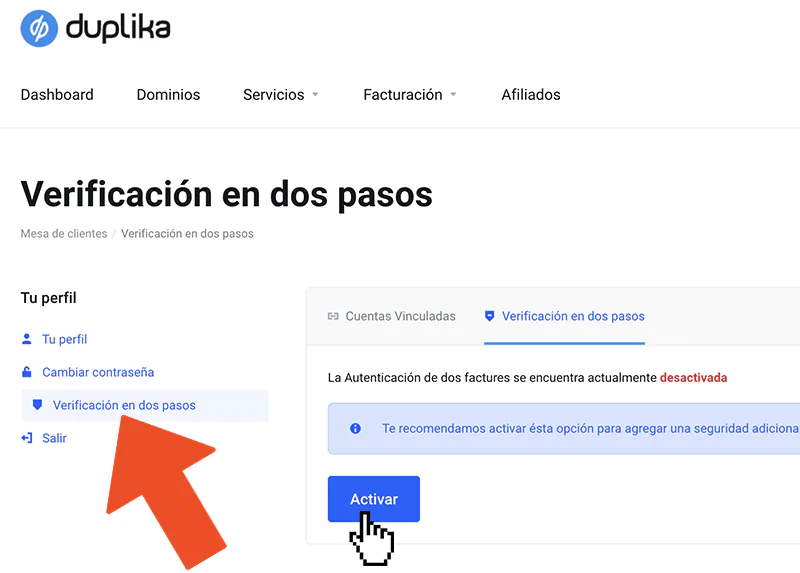
Ingresamos en la mesa de clientes y hacemos clic en nuestro nombre en el extremo derecho. A continuación, clic en Verificación en 2 pasos.
Panel de control cPanel
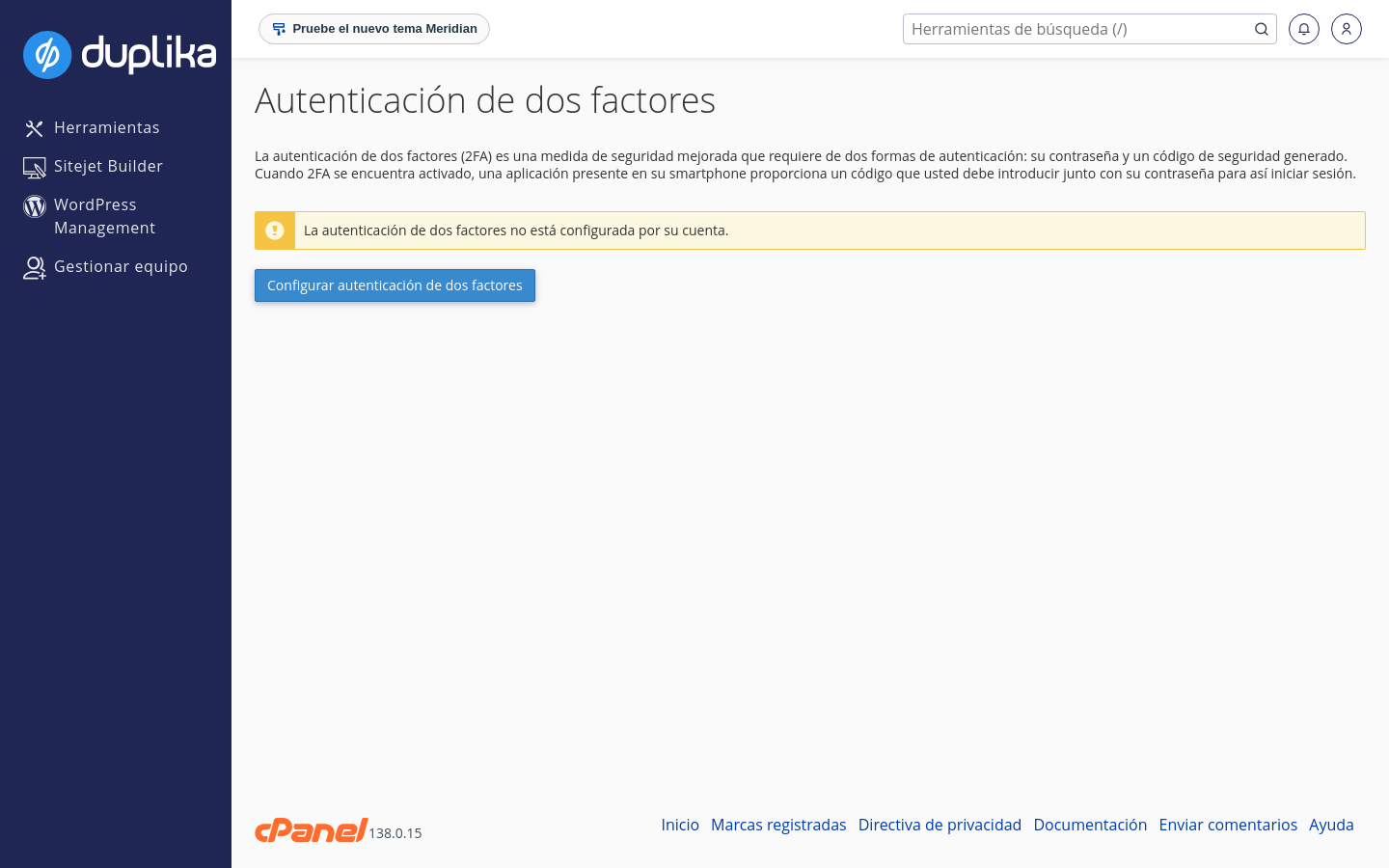
Ingresamos a nuestro panel de control cPanel y seleccionamos la opción "Autenticación de dos factores".
WordPress
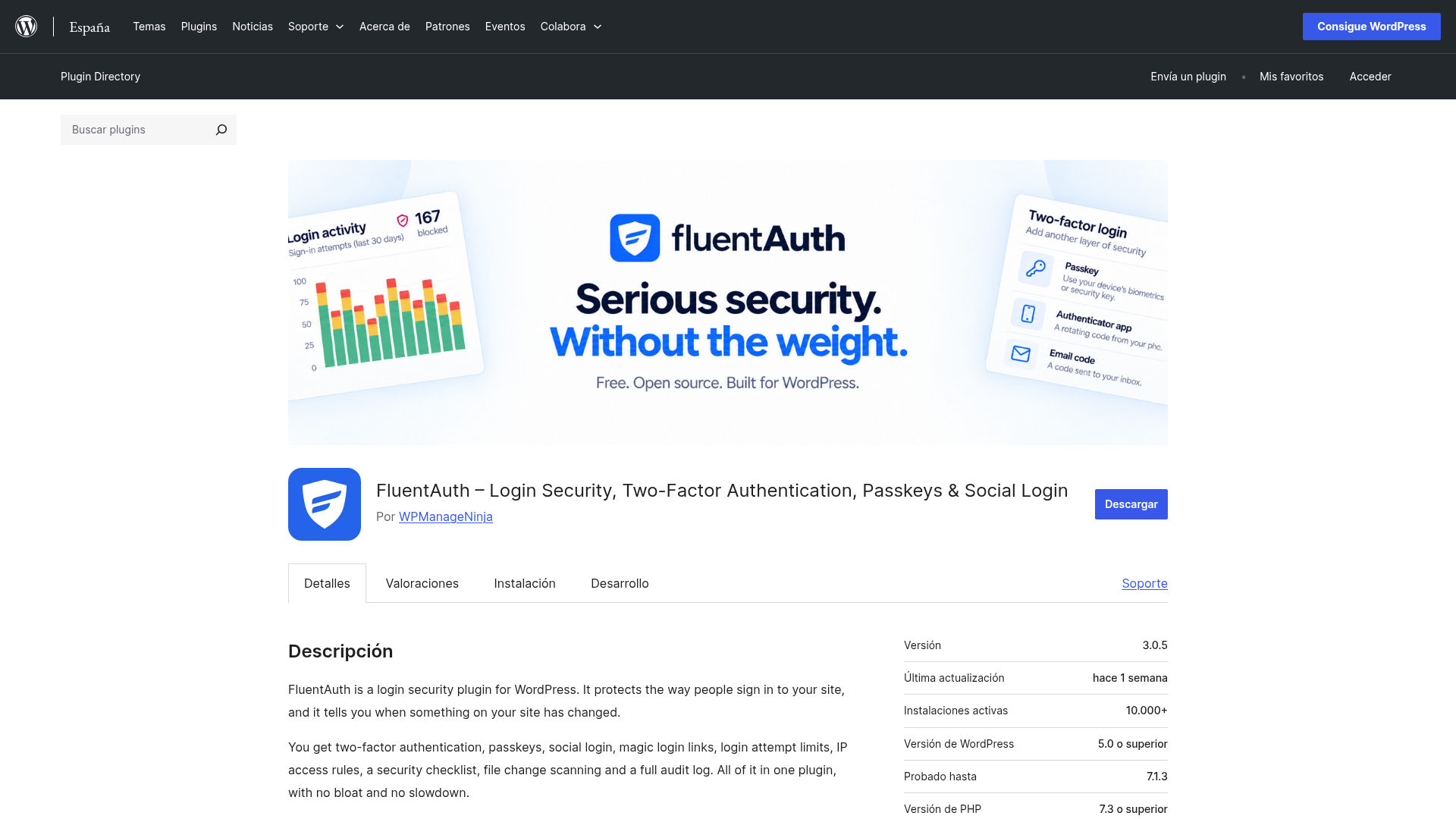
Para WordPress, recomendamos FluentAuth (Fluent Security) como una alternativa liviana y gratuita. Cubre la verificación en 2 pasos con códigos por correo, apps de autenticación como Google Authenticator o Authy, y passkeys, y suma otras protecciones livianas: límite de intentos de inicio de sesión contra fuerza bruta, listas de direcciones IP permitidas y bloqueadas, una lista de seguridad con sugerencias y un registro de actividad de inicios de sesión y cambios.