Enable two-step verification
Updated 2 weeks ago
To improve your service's security, we recommend enabling two-step verification for all the services you want to protect.
Two-step authentication or verification helps prevent others from accessing your account, even if they know or obtain your password. To do this, you need to use an authentication app. The most popular ones include:
To learn how to install and configure an app, we recommend visiting each of their websites and considering which option works best for you.
Below, we detail the options for configuring it:
Customer Area
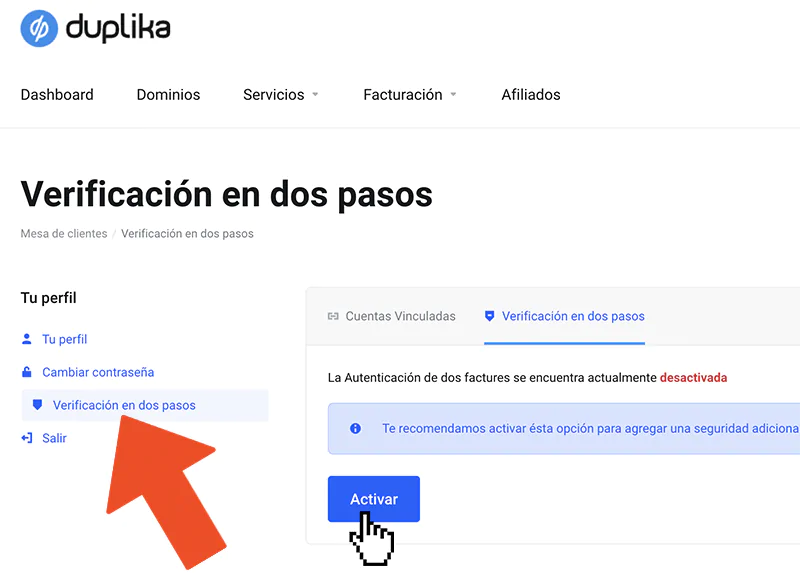
Go to the Customer Area and click your name in the top-right corner. Then click Two-Step Verification.
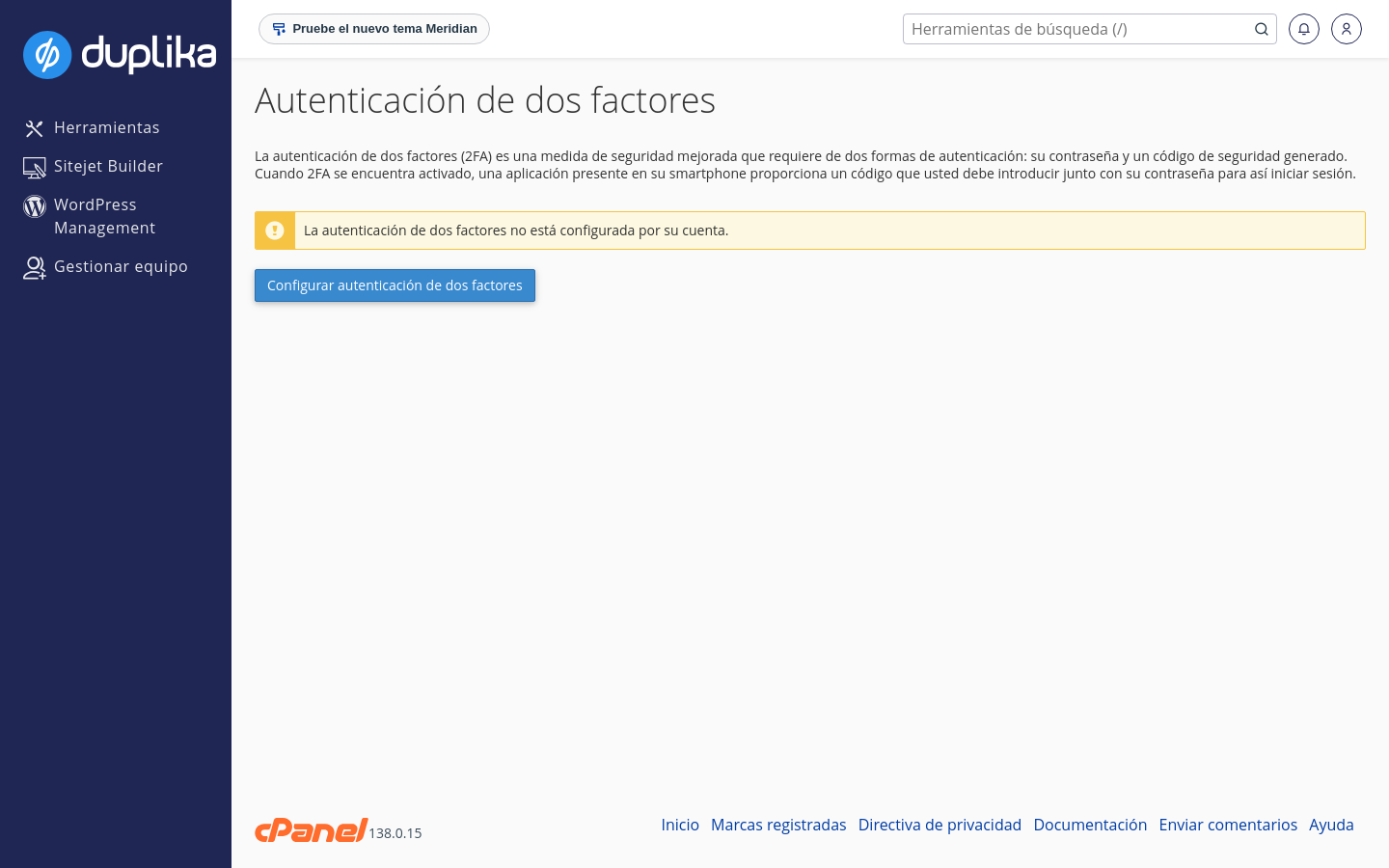
cPanel Control Panel
Go to your cPanel control panel and select the "Two-Factor Authentication" option.
WordPress
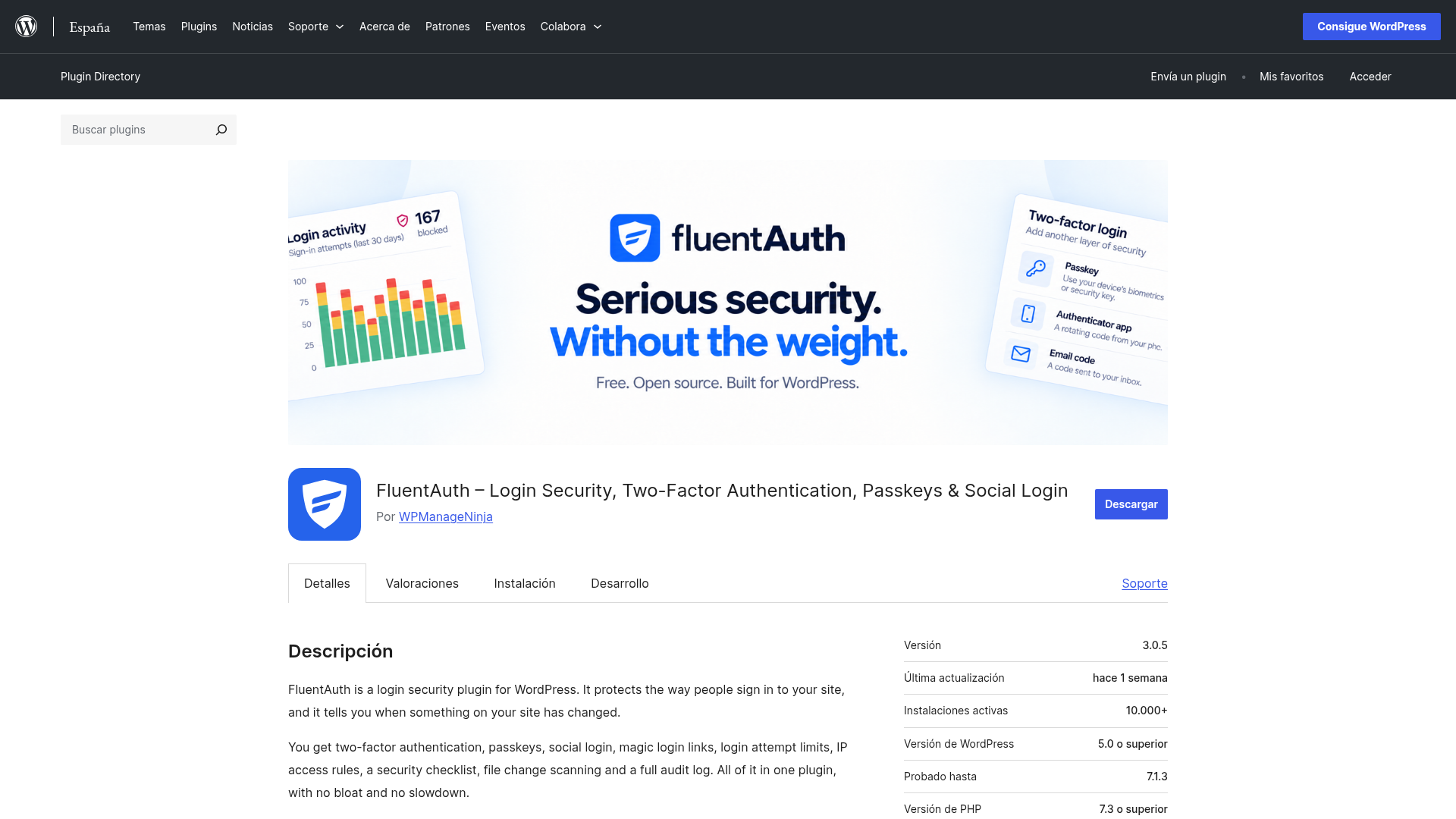
For WordPress, we recommend FluentAuth (Fluent Security) as a lightweight, free alternative. It supports two-step verification using email codes, authentication apps such as Google Authenticator or Authy, and passkeys. It also adds other lightweight protections: a limit on login attempts to prevent brute-force attacks, lists of allowed and blocked IP addresses, a security checklist with suggestions, and an activity log of logins and changes.