

Cambiar versión y configuración de PHP
Actualizado hace 2 meses
En esta breve guía te mostramos, paso a paso, cómo cambiar la versión PHP de tu servicio de hosting y realizar ajustes de configuración.
Ajustar configuración PHP en planes de hosting
Ingresar a cPanel
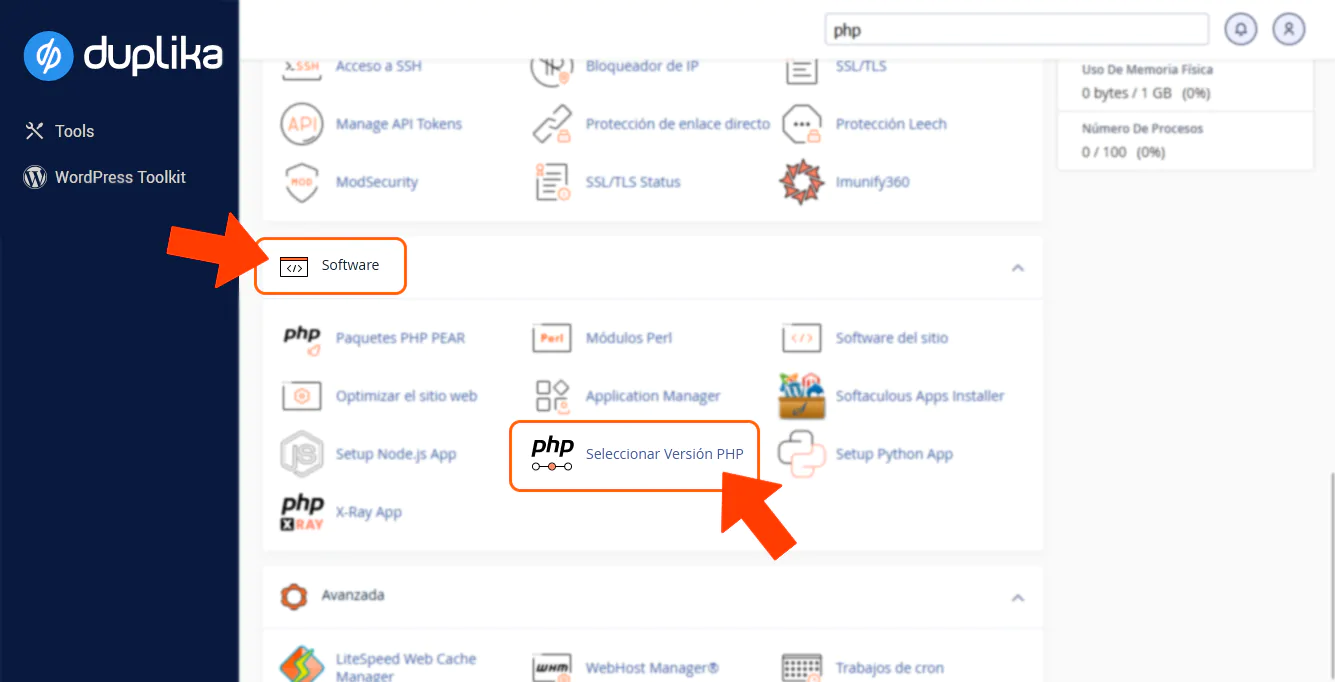
Seleccionar Versión PHP
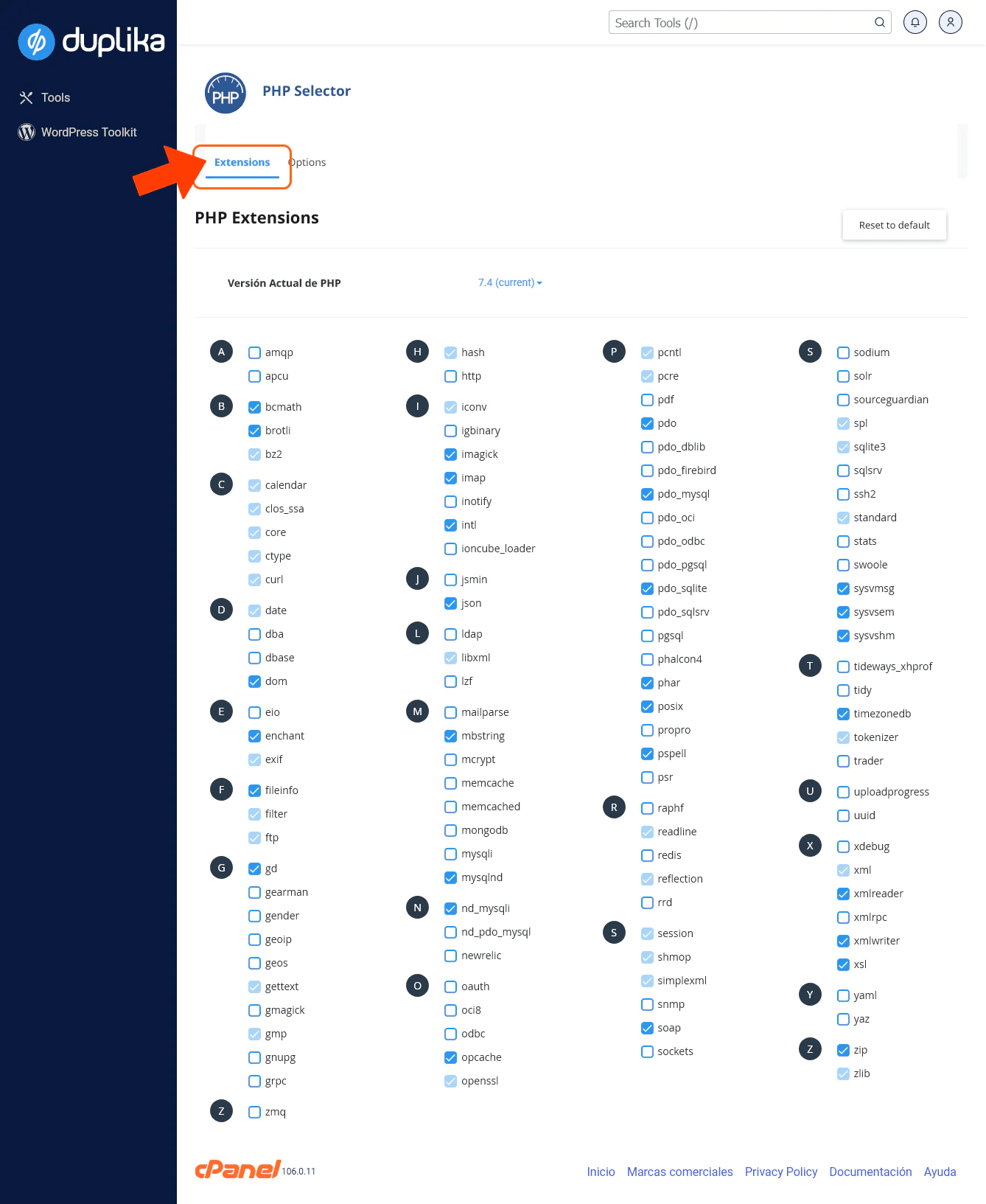
Extensiones: Podrás habilitar opcache o cualquier otra extensión que precises para tu aplicación CMS. Recomendamos seleccionar Reset to default para activar las extensiones recomendadas.
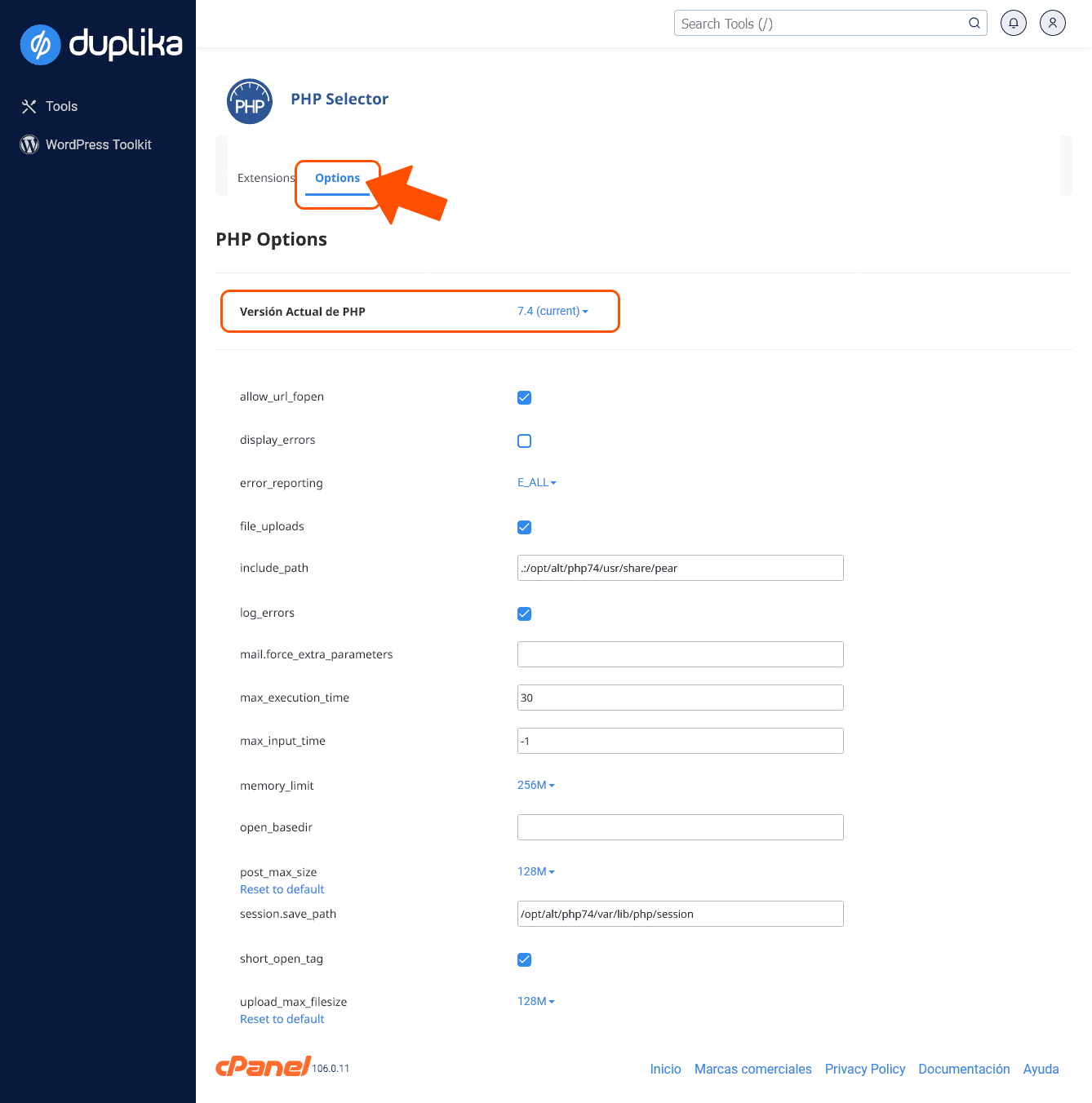
Opciones: Podrás ajustar la configuración de la versión de PHP seleccionada:
Servidor cloud o dedicados sin Cloudlinux
En caso de que emplees un servidor cloud o dedicado sin Cloudlinux, tendrás a tu disposición el selector de PHP nativo de cPanel, MultiPHP manager.
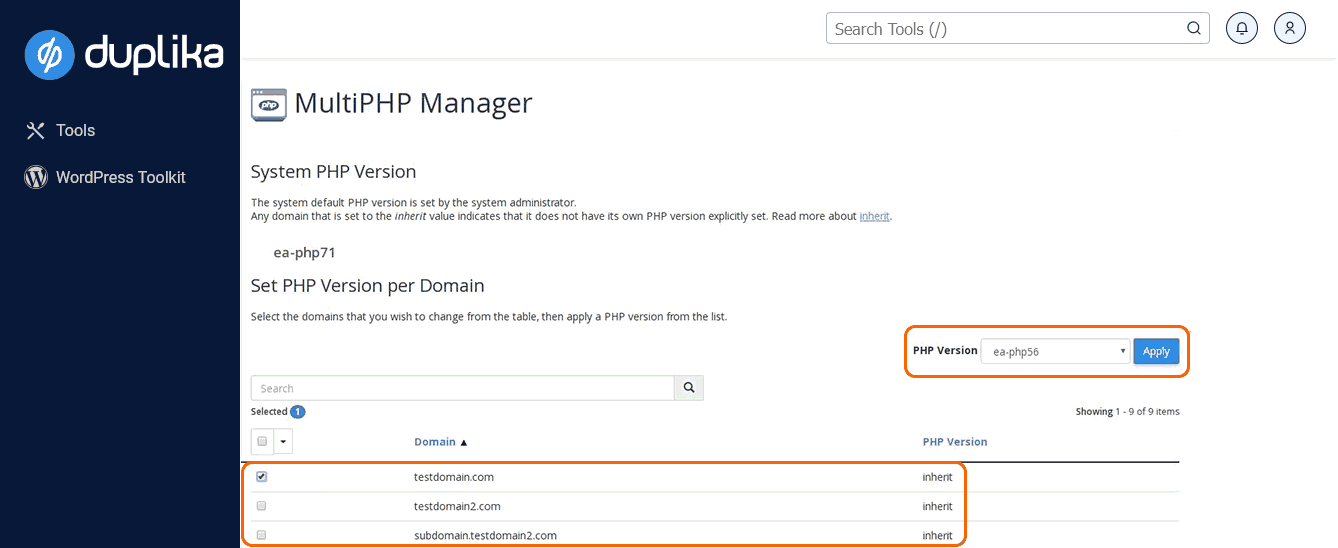
MultiPHP nos permite configurar la versión de PHP por dominio o virtual host.
Nota: La configuración elegida dentro de esta área del cPanel anulará la versión elegida en el área 'Seleccionar versión de PHP'.