

Change DNS Settings in GoDaddy
Updated 8 months ago
If our domain is registered with GoDaddy and we need to point its DNS to Duplika, we must follow these steps:
Log in to your GoDaddy account here
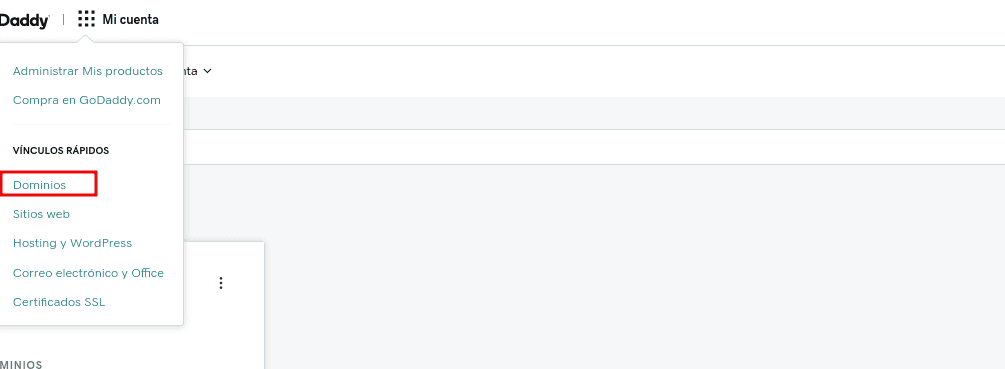
Select Domains under My Account.
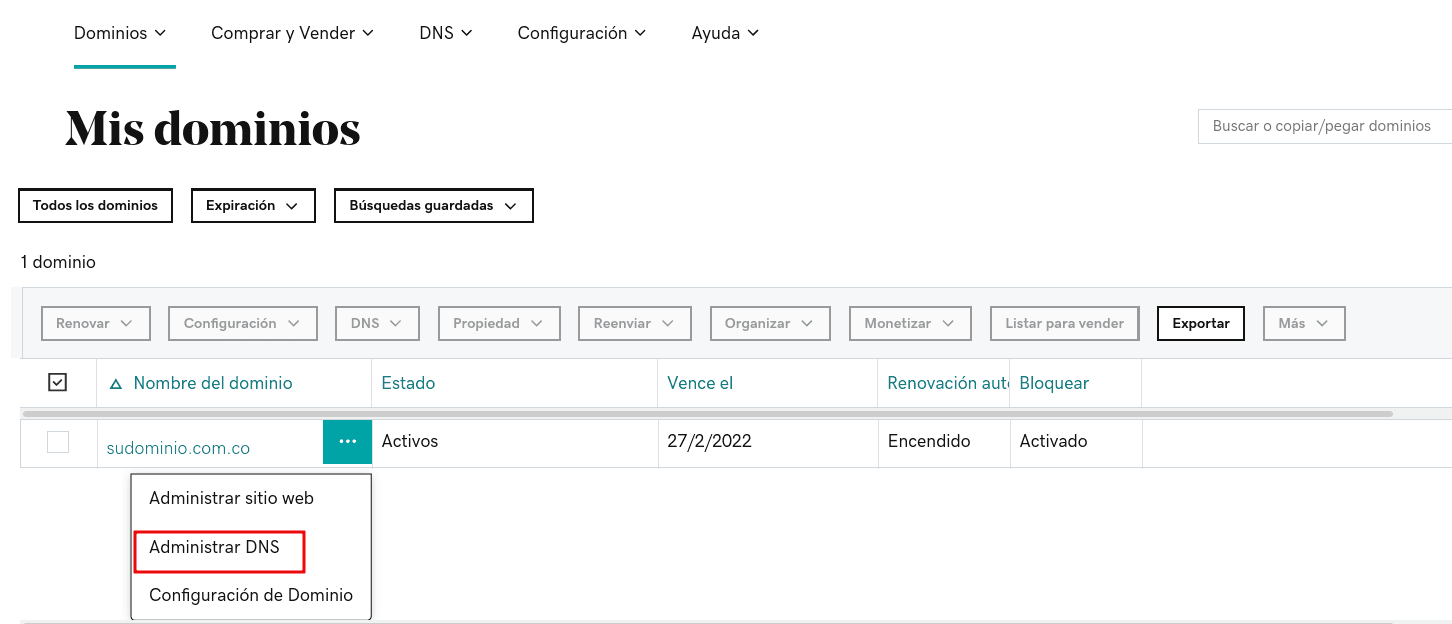
Find the domain and click Manage DNS
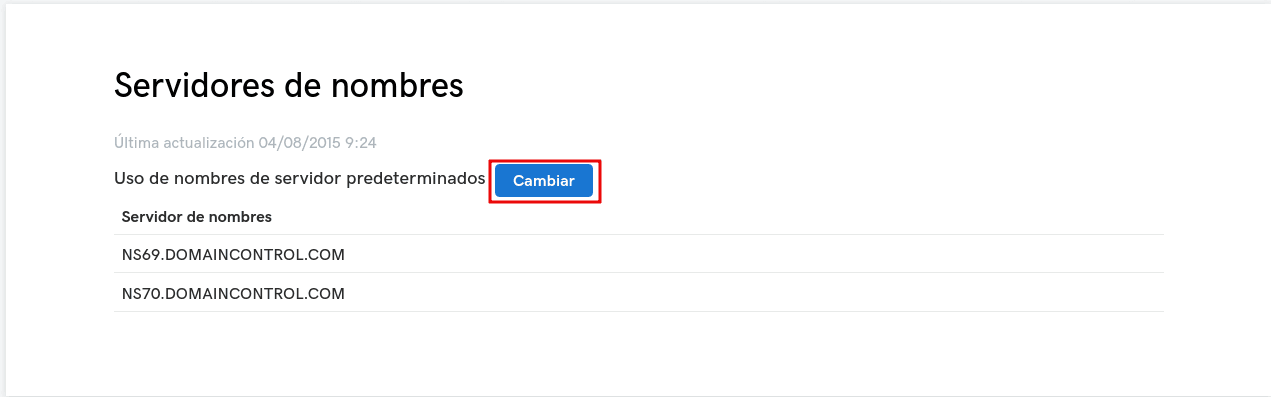
Scroll down to Name Servers and click Change
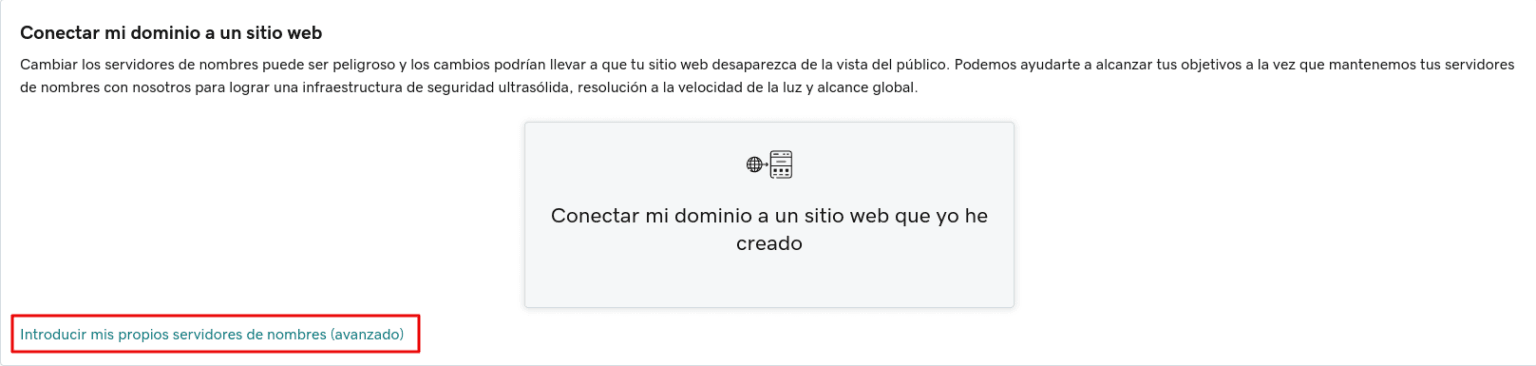
Select the option "Enter my own nameservers (advanced)"
Enter the Duplika DNS servers:
nic.ns.duplika.com
mar.ns.duplika.com
rei.ns.duplika.com
emi.ns.duplika.com
Once the DNS servers have been added, click Save and then Continue
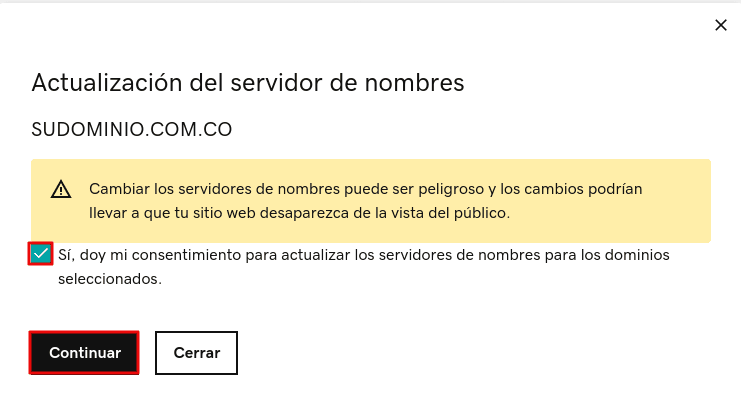
It may take a few hours for the change to propagate.
You can monitor the propagation status using tools such as this one.
Was this helpful?
Was this helpful?