

Cambiar los DNS en GoDaddy
Actualizado hace 7 meses
Si nuestro dominio se encuentra registrado en GoDaddy, y necesitamos apuntar sus DNS hacia Duplika, debemos seguir los siguientes pasos:
Ingresar a la cuenta de GoDaddy desde acá
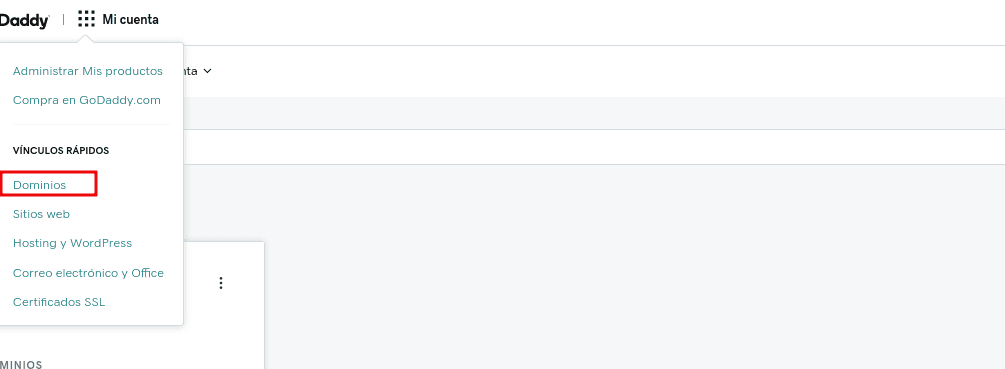
Seleccionamos la opción Dominios dentro de Mi cuenta.
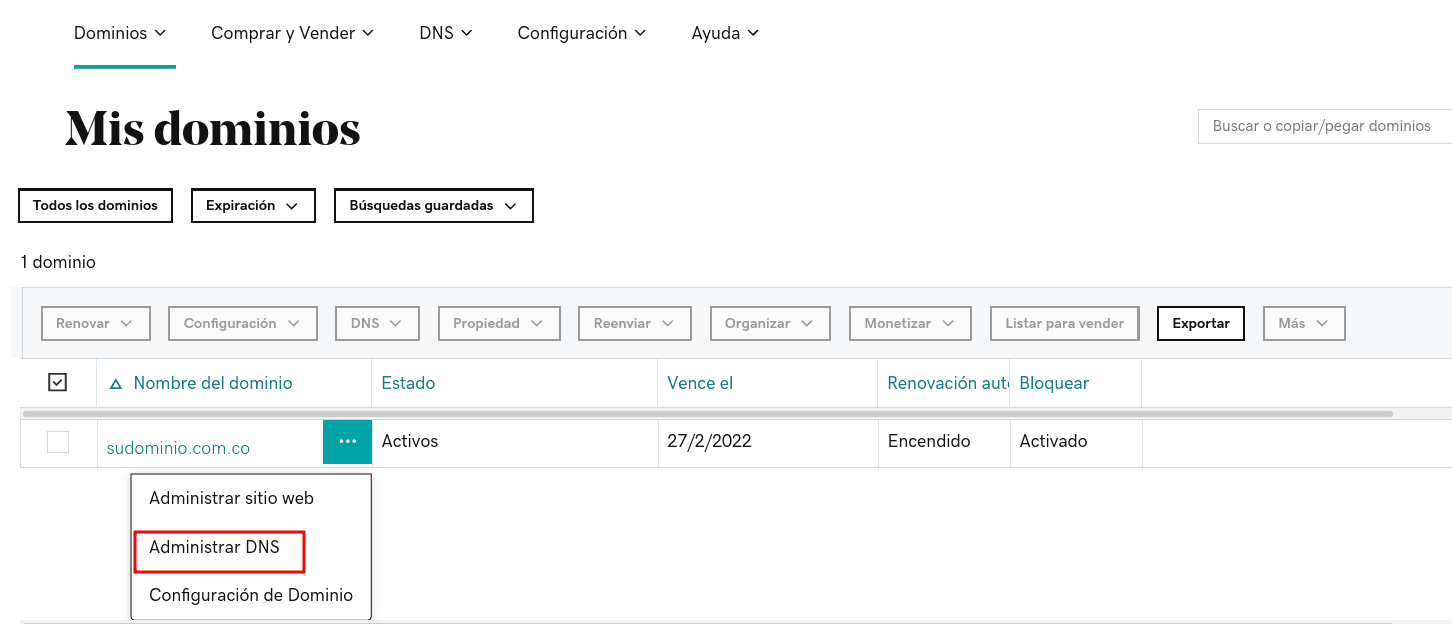
Buscamos el dominio y hacemos clic en Administrar DNS
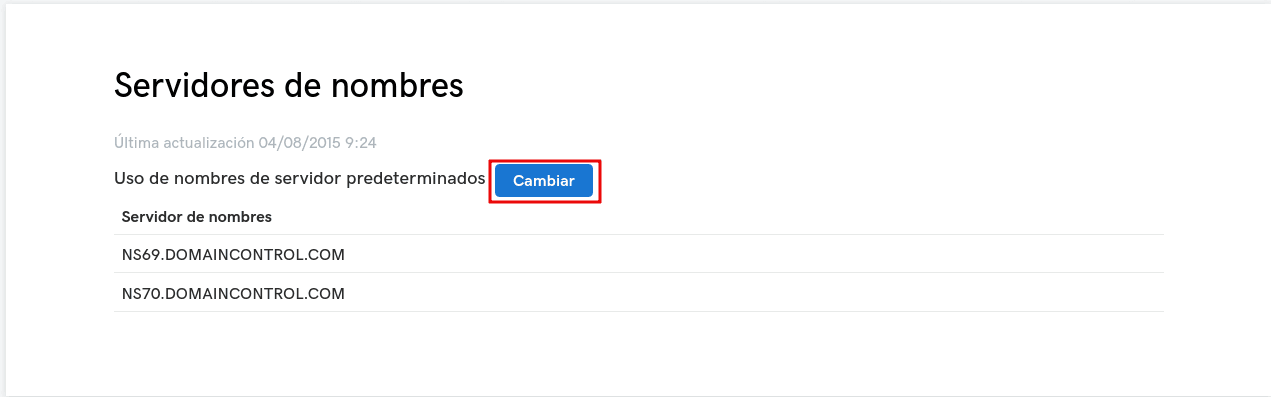
Navegamos hacia abajo y en Servidores de nombres, hacemos clic en Cambiar
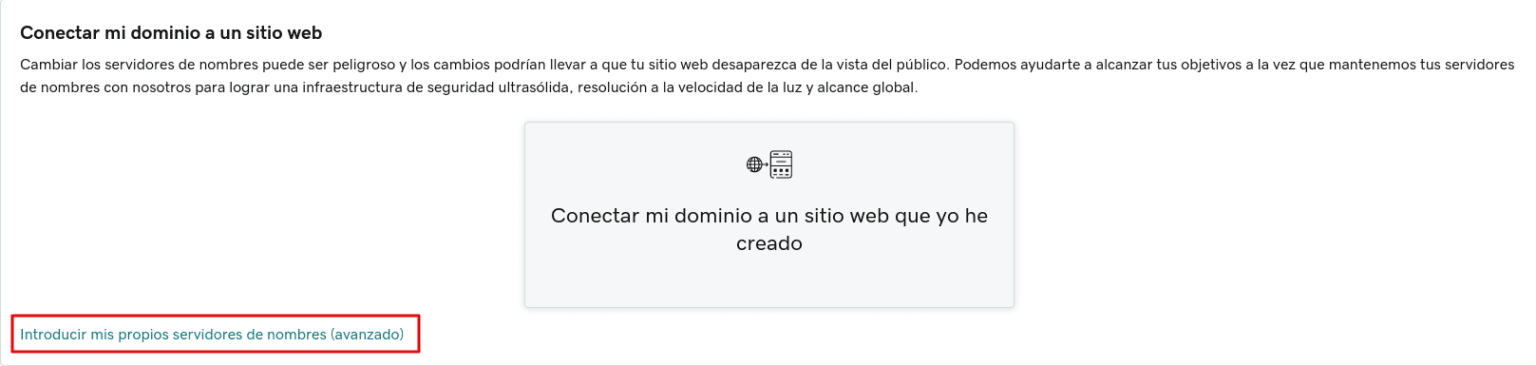
Seleccionamos la opción "Introducir mis propios servidores de nombre (avanzado)"
Allí completamos con los DNS de Duplika:
nic.ns.duplika.com
mar.ns.duplika.com
rei.ns.duplika.com
emi.ns.duplika.com
Una vez agregados los DNS, hacemos clic en Guardar y luego en Continuar
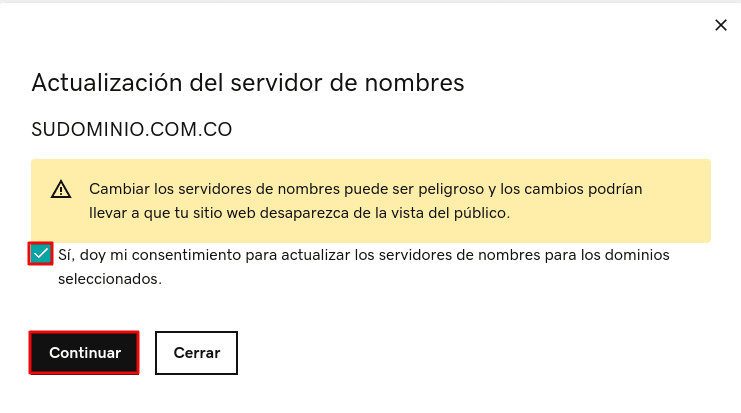
El cambio puede demorar unas horas en propagarse.
Puedes monitorear el estado de la propagación desde herramientas como ésta.