

Full Account Backup
Updated 3 months ago
We can download a full backup of our account by accessing cPanel. Backups are performed every day—automatically—and include all content, databases, email accounts, and settings. To do this, we must first log in to our cPanel. Here's how:

Remember to replace "mysite.com" with your domain's actual URL
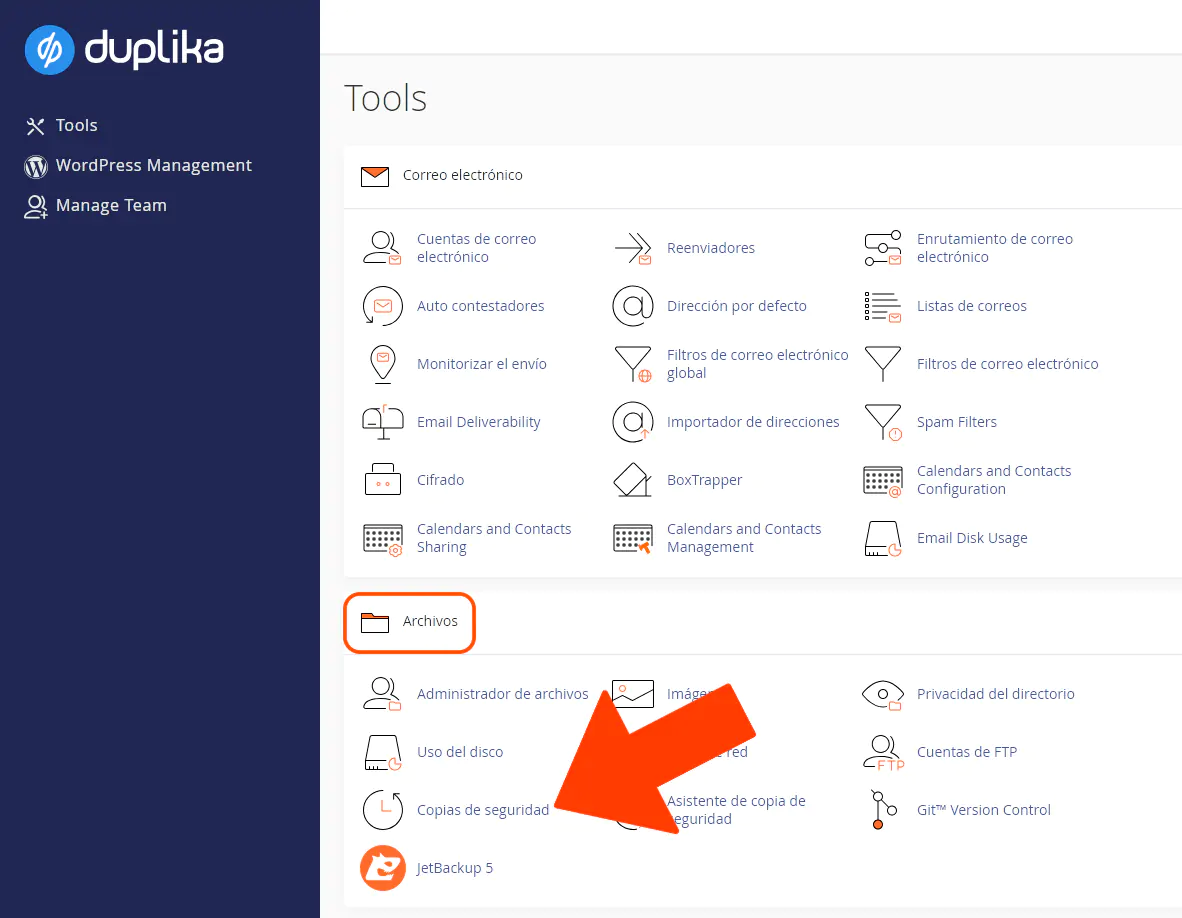
Next, go to the Backups option.
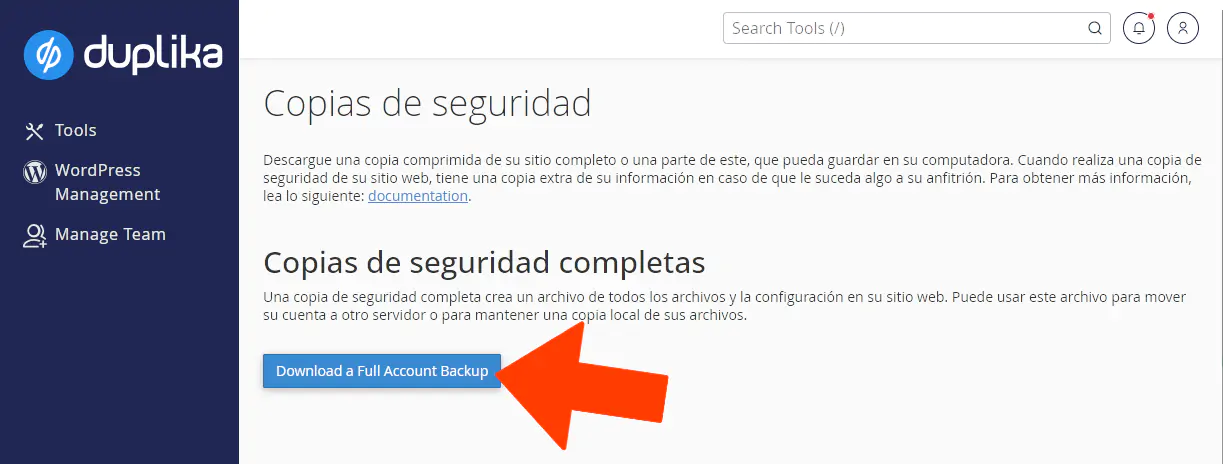
Then click Download a Full Account Backup.
With the file downloaded from cPanel, we can restore the account with Duplika or any other hosting provider that uses cPanel. The system gives us the freedom to host our content wherever we want.
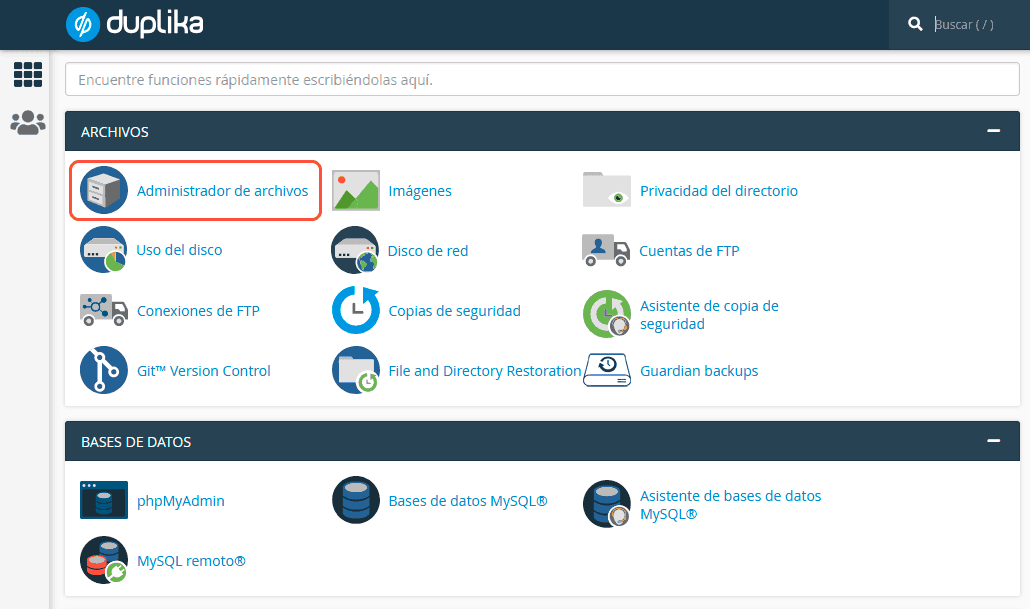
Alternatively, from that page, you can also download the databases if needed, or download the content using the File Manager.
Was this helpful?
Was this helpful?