

How to Check the Space Used by My Hosting Account with DonWeb
Updated 2 months ago
If we have a hosting plan with Duplika and want to check the total space used by our website's content, we should:
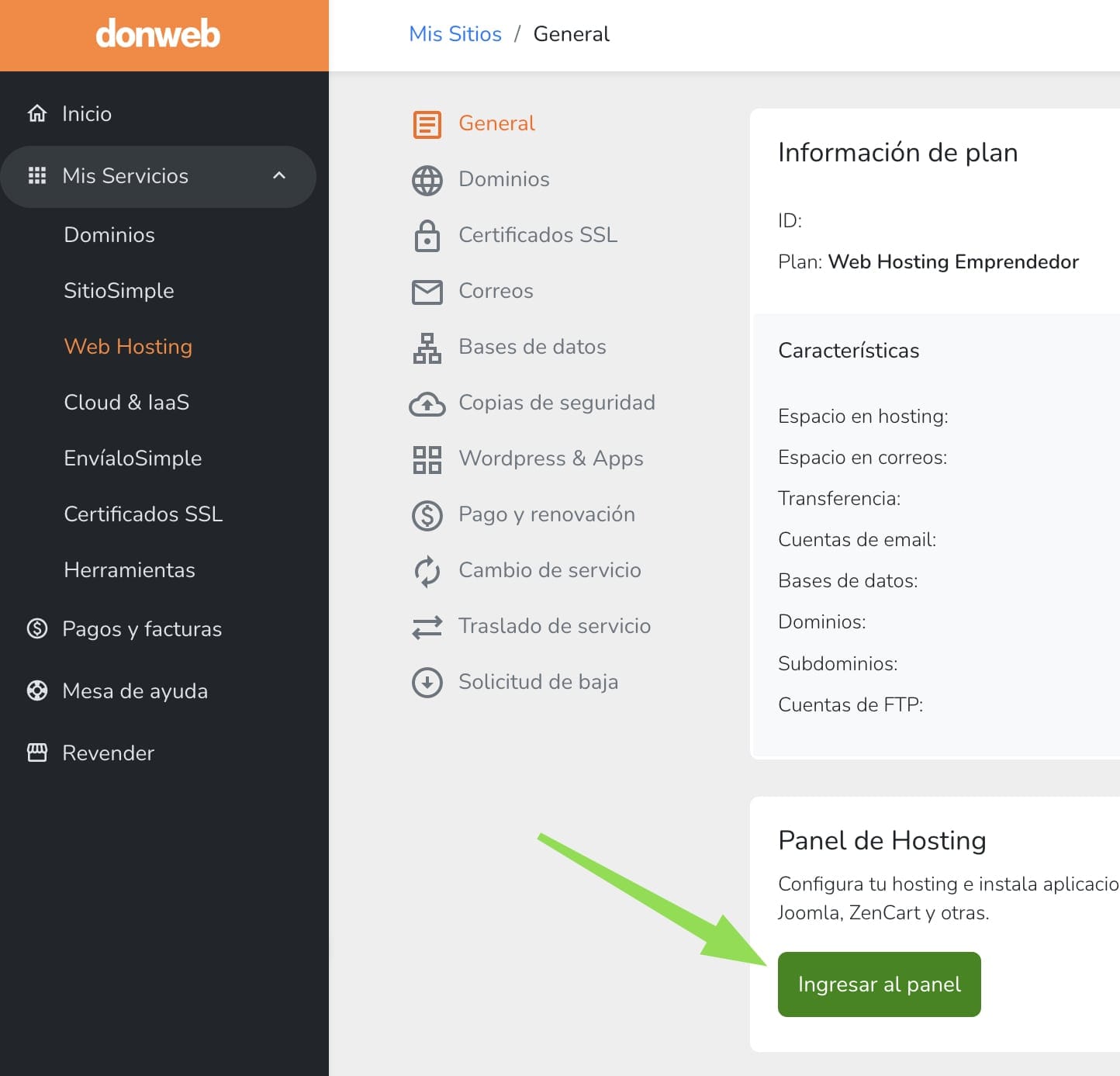
1- Go to my.duplika.com to access our site's control panel:
2- Click our username in the top-right corner and select "Information".
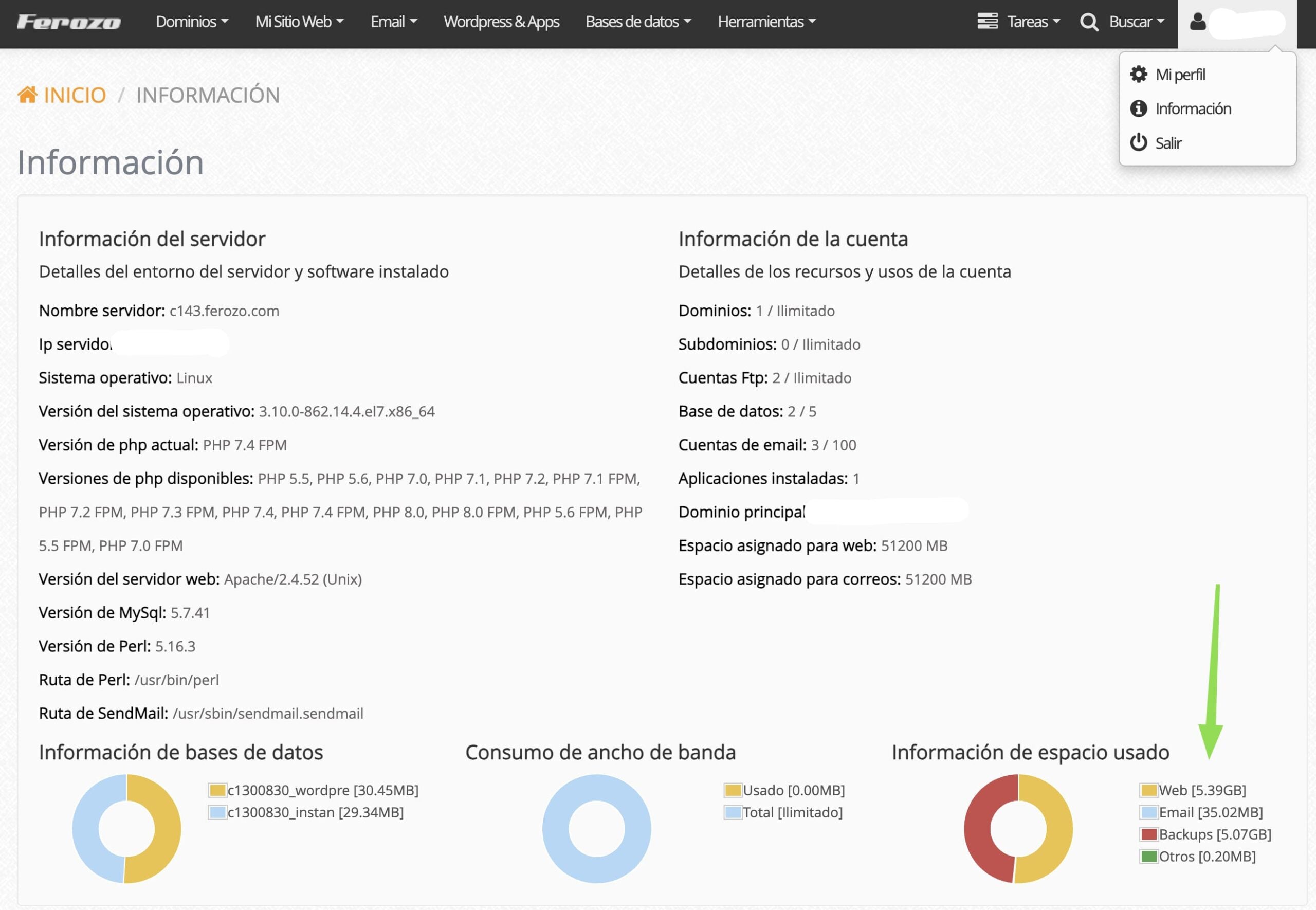
There we can see the space used by our account.
Was this helpful?
Was this helpful?