

How to Run PHP via Cron Jobs
Updated 3 months ago
If you want to run a task at regular intervals, you can configure different cron jobs from the control panel.
Go to your cPanel using the following address (replacing "midominio.com" with your site's correct URL).

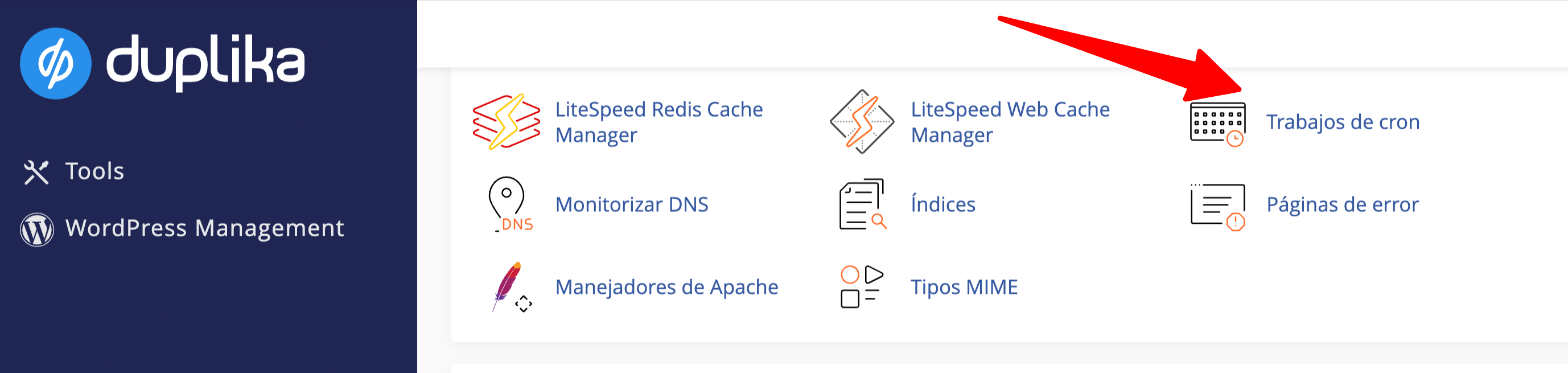
Once logged in, find the Cron Jobs tool in the "Advanced" section of your cPanel.
If you want to run a PHP file, we recommend using the following format:
/usr/local/bin/php -q /home/usuario/public_html/script.php
Note: replace "usuario" with your actual username and make sure to enter the correct path to the file.
/usr/local/bin/php ensures that you always use the local PHP configuration you set up in cPanel under Select PHP Version.
Was this helpful?
Was this helpful?