

Importar base de datos via SSH
Actualizado hace 3 meses
Importar una base de datos desde phpMyAdmin es un proceso muy simple, pero en los casos en donde nuestra base de datos sea muy grande, tal vez se precise realizar la importación desde la terminal / SSH.
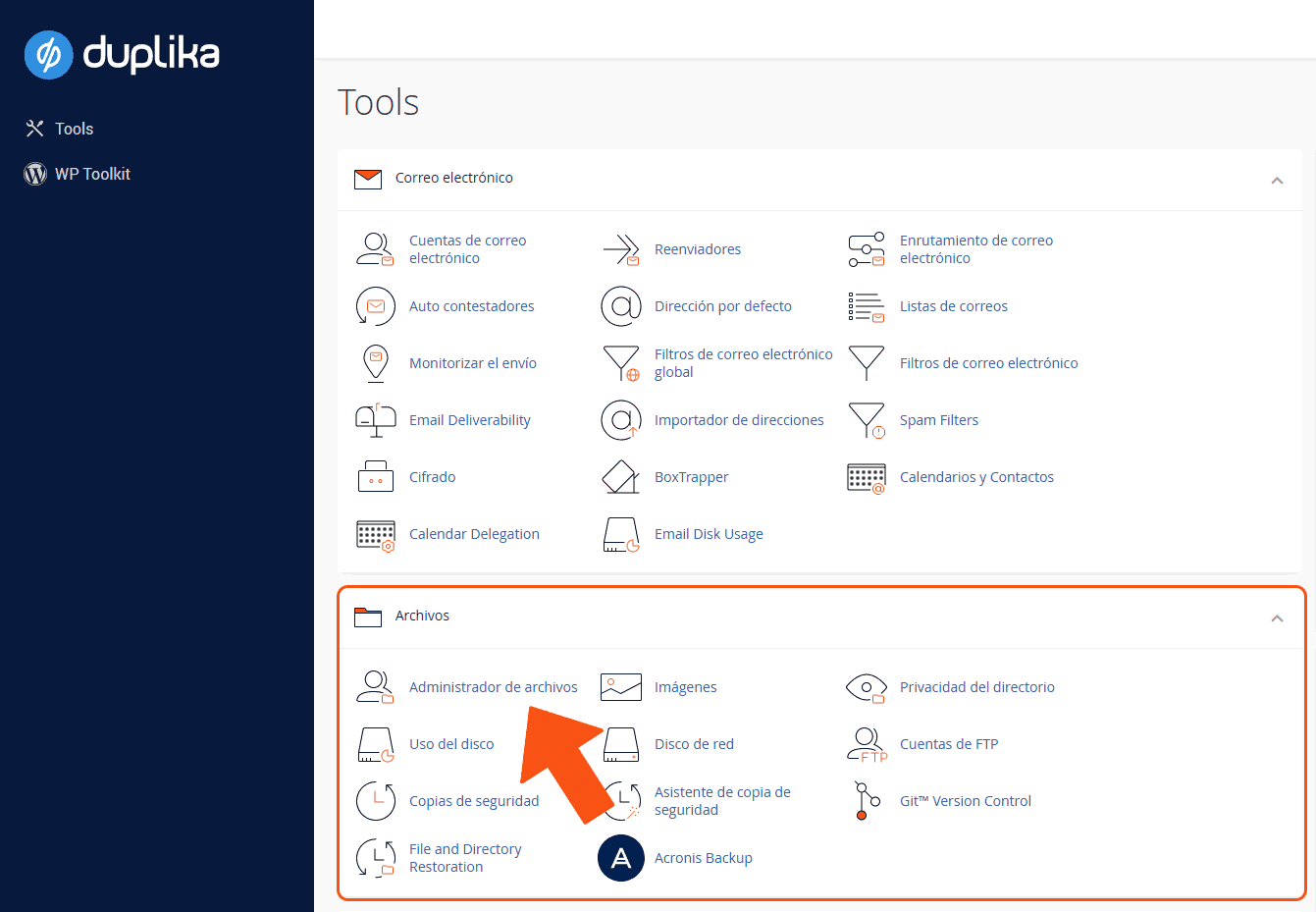
Para ello, desde el panel de control, debemos subir la base de datos .sql desde el Administrador de archivos (o bien con cliente FTP).
, El paso siguiente es ingresar en la opción Terminal.
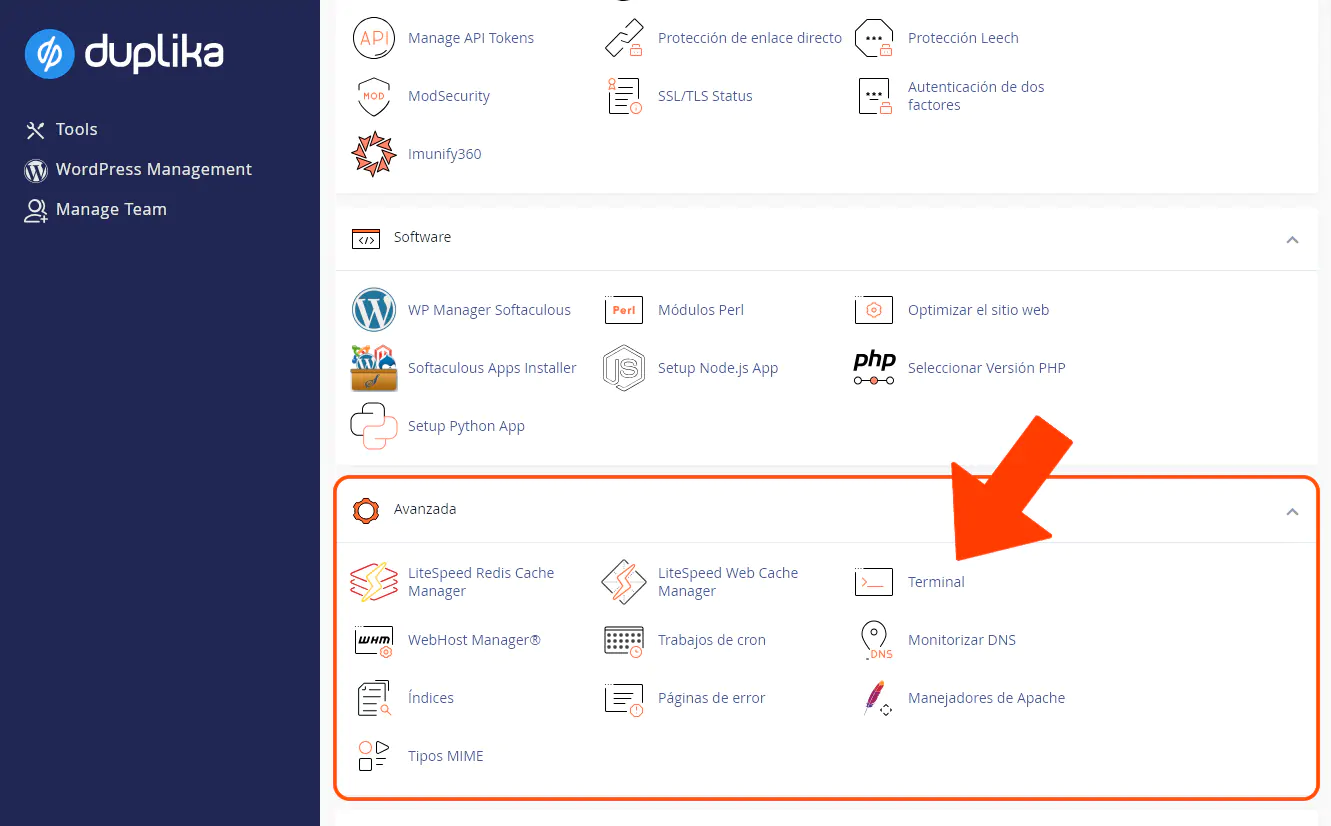
Allí podremos escribir el siguiente comando para importar la base de datos:
mysql -u USER -p DB < basededatos.sqlAtención: en el comando superior debemos reemplazar lo siguiente:
USER por el usuario MySQL creado previamente.
DB por la base de datos MySQL creada previamente.
basededatos.sql por el nombre del archivo .sql que hayas subido previamente.
Como medida de seguridad, el sistema nos solicitará la clave del usuario de MySQL.
Recordemos darle permisos al usuario para que le sea posible acceder y escribir la base de datos en cuestión.