

Ruta para ejecutar PHP vía cronjobs
Actualizado hace 3 meses
Si deseas ejecutar una tarea con cierta periodicidad, puedes configurar distintos cronjobs desde el panel de control.
Ingresa a tu cPanel a través de la siguiente dirección (reemplazando "midominio.com" por la URL correcta de tu sitio).

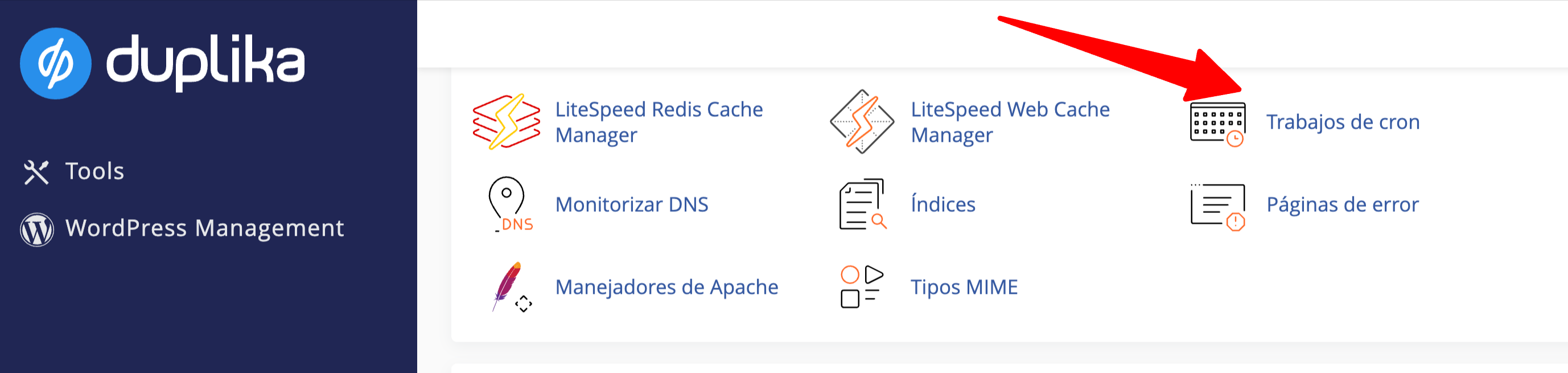
Una vez logueado, ubica la herramienta Trabajos de cron en el área de "Avanzada" de tu cPanel.
Si deseas ejecutar algún archivo PHP, recomendamos utilizar el siguiente formato:
/usr/local/bin/php -q /home/usuario/public_html/script.php
Nota: reemplaza "usuario" por tu usuario real y completando correctamente la ruta hacia el archivo.
/usr/local/bin/php asegura estar siempre utilizando la configuración local de PHP, que hayas configurado desde tu cPanel, Seleccionar Versión PHP.
¿Te fue útil?
¿Te fue útil?