

SiteJet Builder Available on All Hosting Plans
We offer you the easiest yet powerful website builder, so you can create your own website without any programming or graphic design knowledge. It’s called SiteJet Builder, and we include it free of charge with all our hosting plans.
What is SiteJet Builder?
It’s software that runs online. In other words, you log in to your cPanel account, an integral part of our hosting service, and can start designing right away.
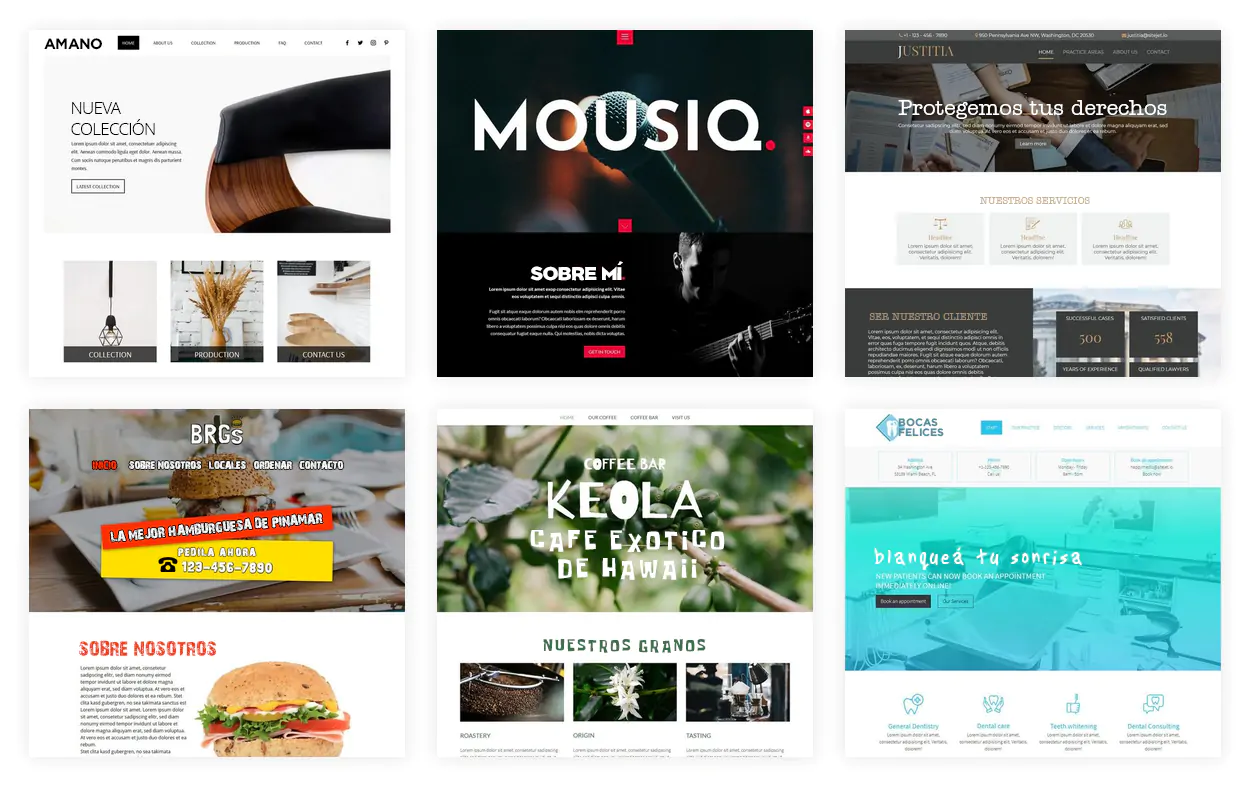
SiteJet lets you create a website from scratch, but if you’d rather make things easier, you can choose one of the prebuilt templates and then customize it however you like—saving time while still getting a professionally designed website.
Accessing SiteJet
First, you need to log in to your cPanel control panel.

Note: Replace mysite.com with your actual domain URL.
You’ll see the following screen:
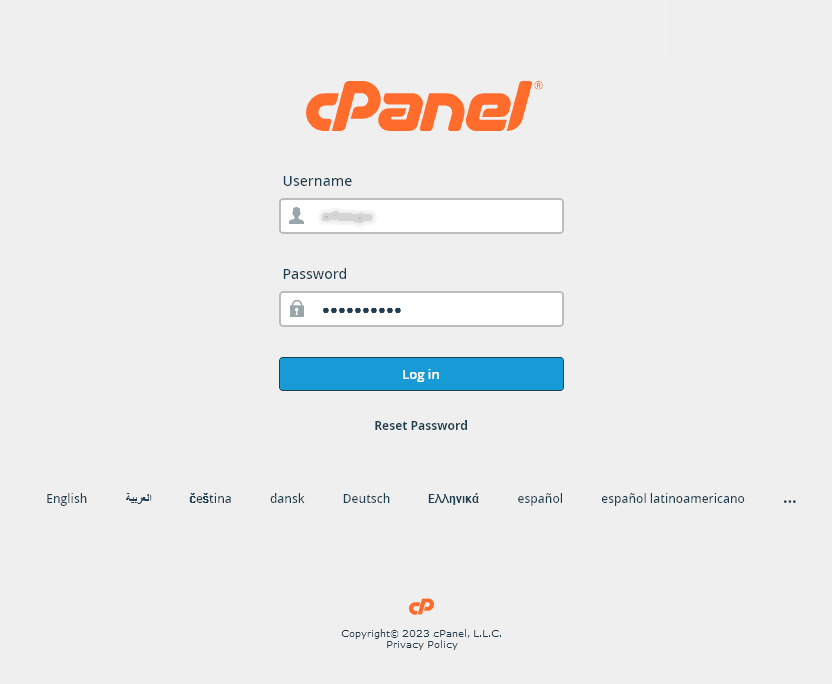
Remember that you received your login details by email after purchasing a Duplika hosting plan. Use them to fill in the two usual required fields: username and password. (Note: If you can’t find these credentials, email us at [email protected]_ and we’ll resend them right away.)
Once you’ve logged in successfully, you’ll find the SiteJet app here:
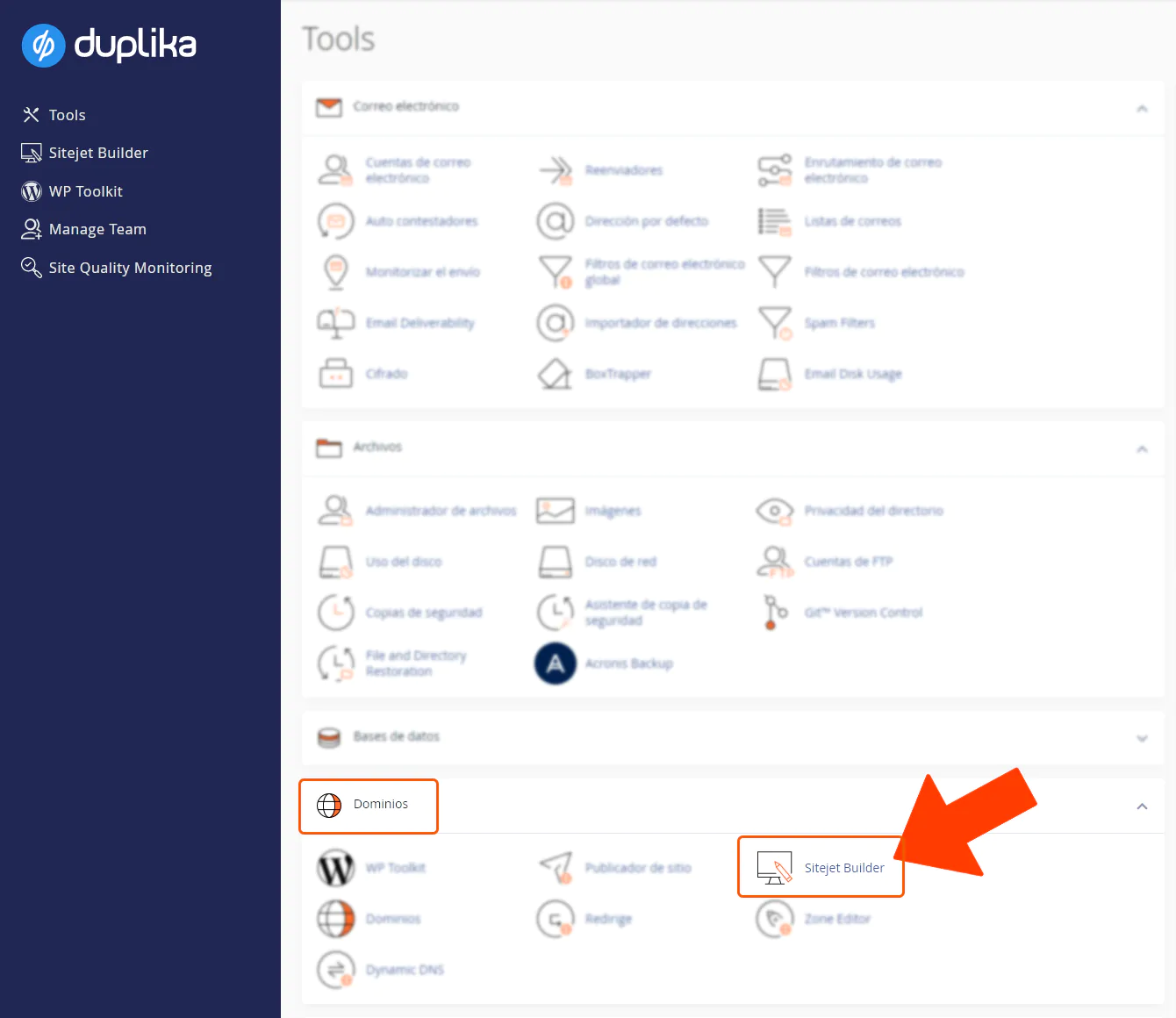
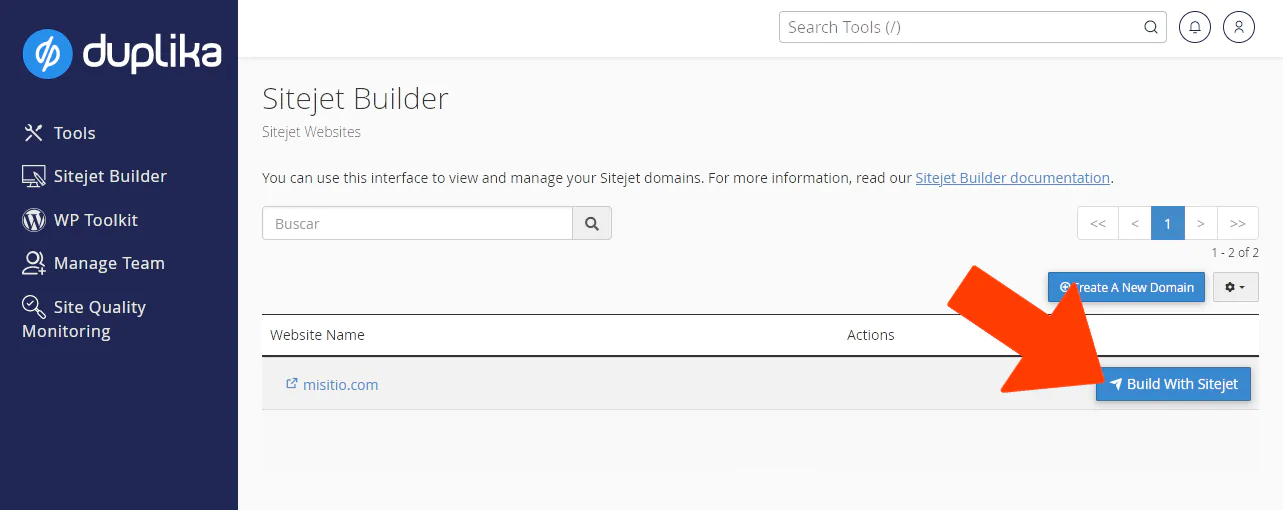
After clicking the icon highlighted in the screenshot above, you’ll see your domain(s) next to the blue “Build With Sitejet” button. Click it to start using the platform.
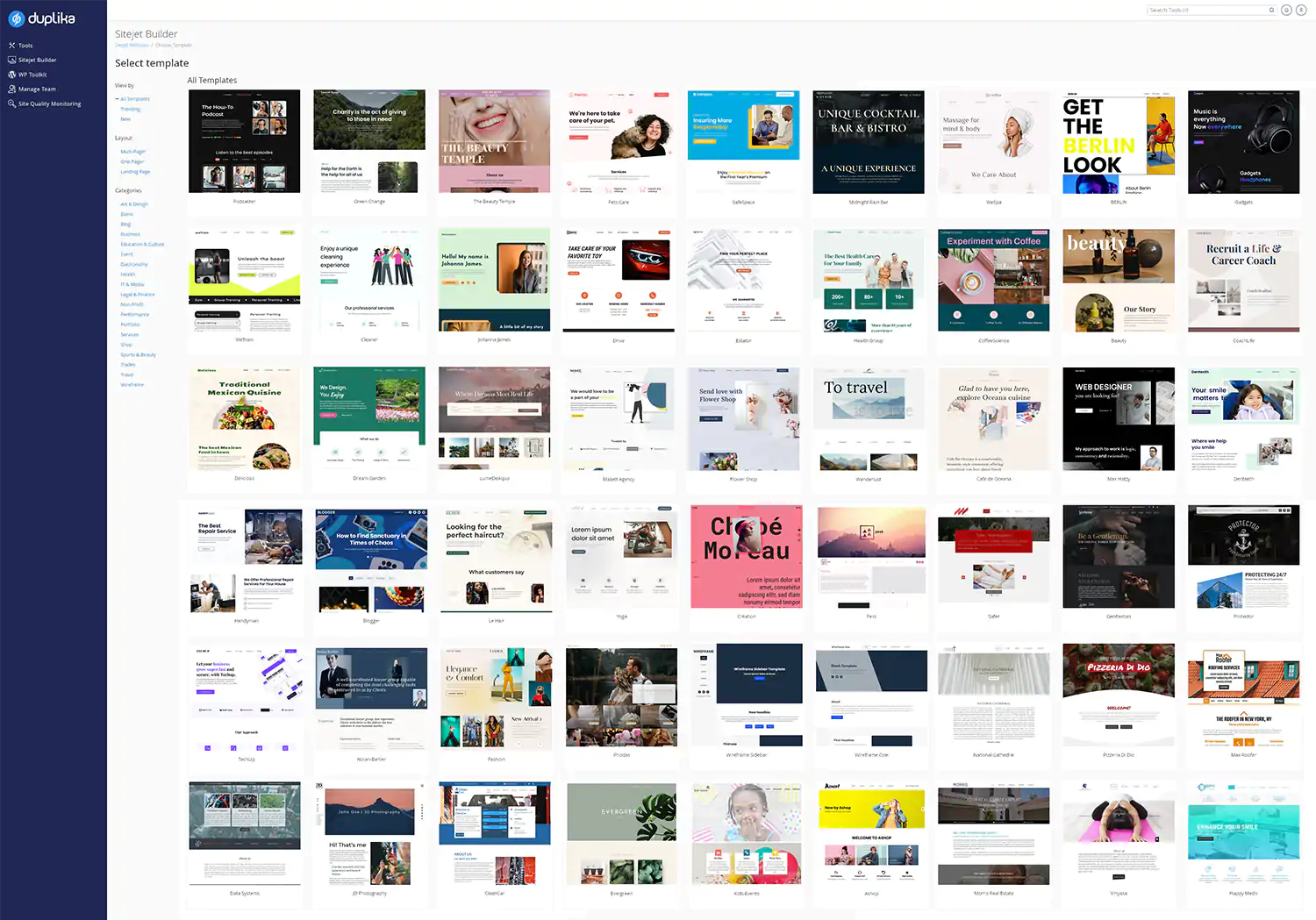
As you can see, there’s a remarkable number of templates. In fact…
…there are more than 150 designs to choose from.
We can (and recommend that you) preview each design by clicking the View button.
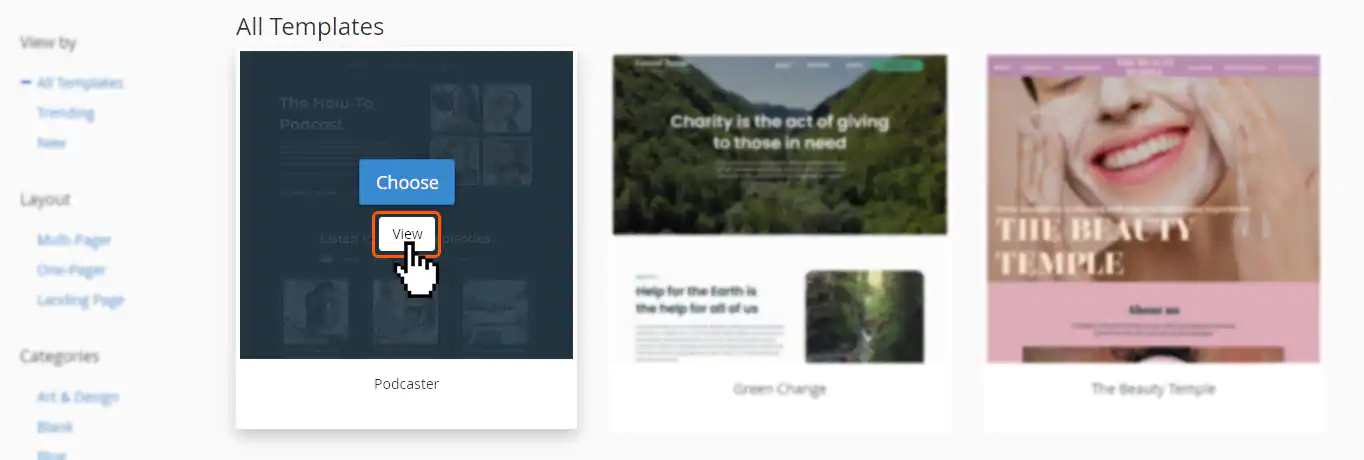
VIEW lets us get a first-hand look at the design we’re considering. The blue CHOOSE button installs it on our website so we can start designing.
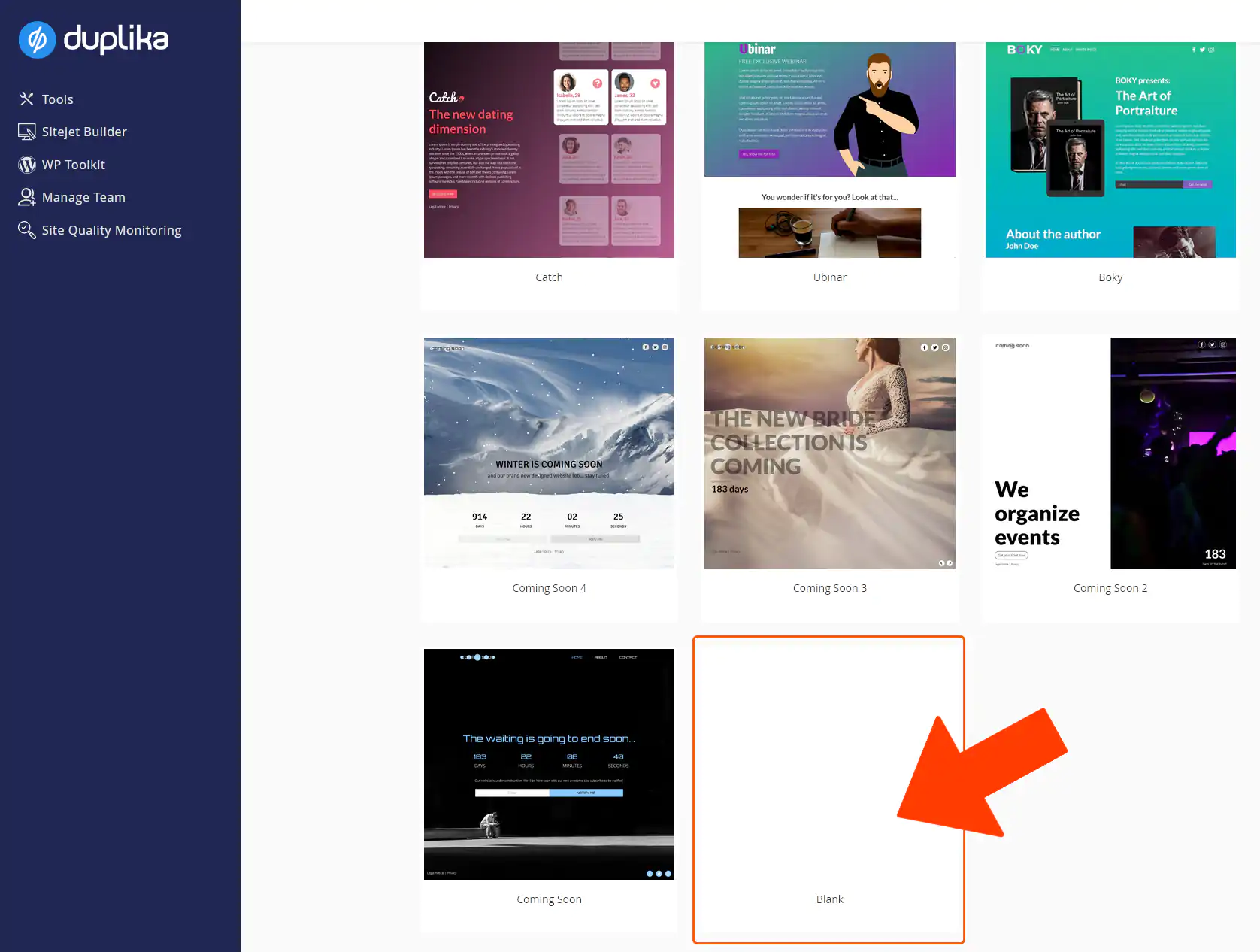
But if we’re ready to start a design from scratch, we need to scroll to the bottom of the gallery and click the blank thumbnail.
In this case, we’ve chosen a Yoga template. Wait for the template to install, and then you’ll see a screen like this:
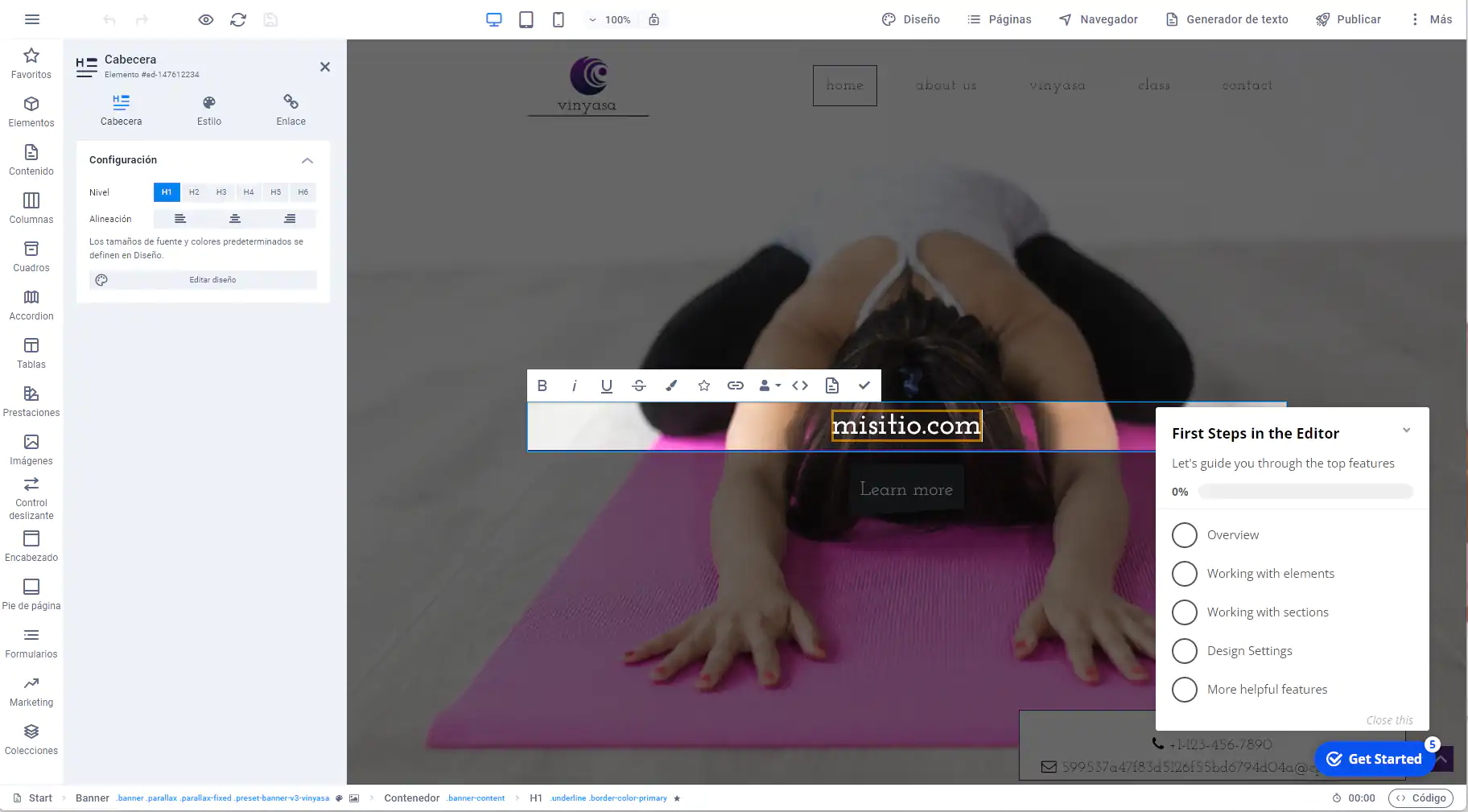
Clicking any element lets you modify it as you like. The following short clip shows how it works.
For a complete guide, you can go here, where the developers clearly show how to modify the elements however you like (don’t forget to turn on subtitles).
Best of luck with your ventures, and thank you for reading.