

Como obtener una nueva contraseña de su cuenta de hosting
Actualizado hace 7 meses
En caso de no recordar la contraseña de su cuenta de hosting, puede cambiarla por una nueva desde el area de clientes: https://mi.duplika.com/
Una vez logueado, debe hacer clic en Servicios > Mis servicios para acceder al listado de sus cuentas de hosting. Luego:
Seleccione la cuenta a la cual deseas modificarle la contraseña.
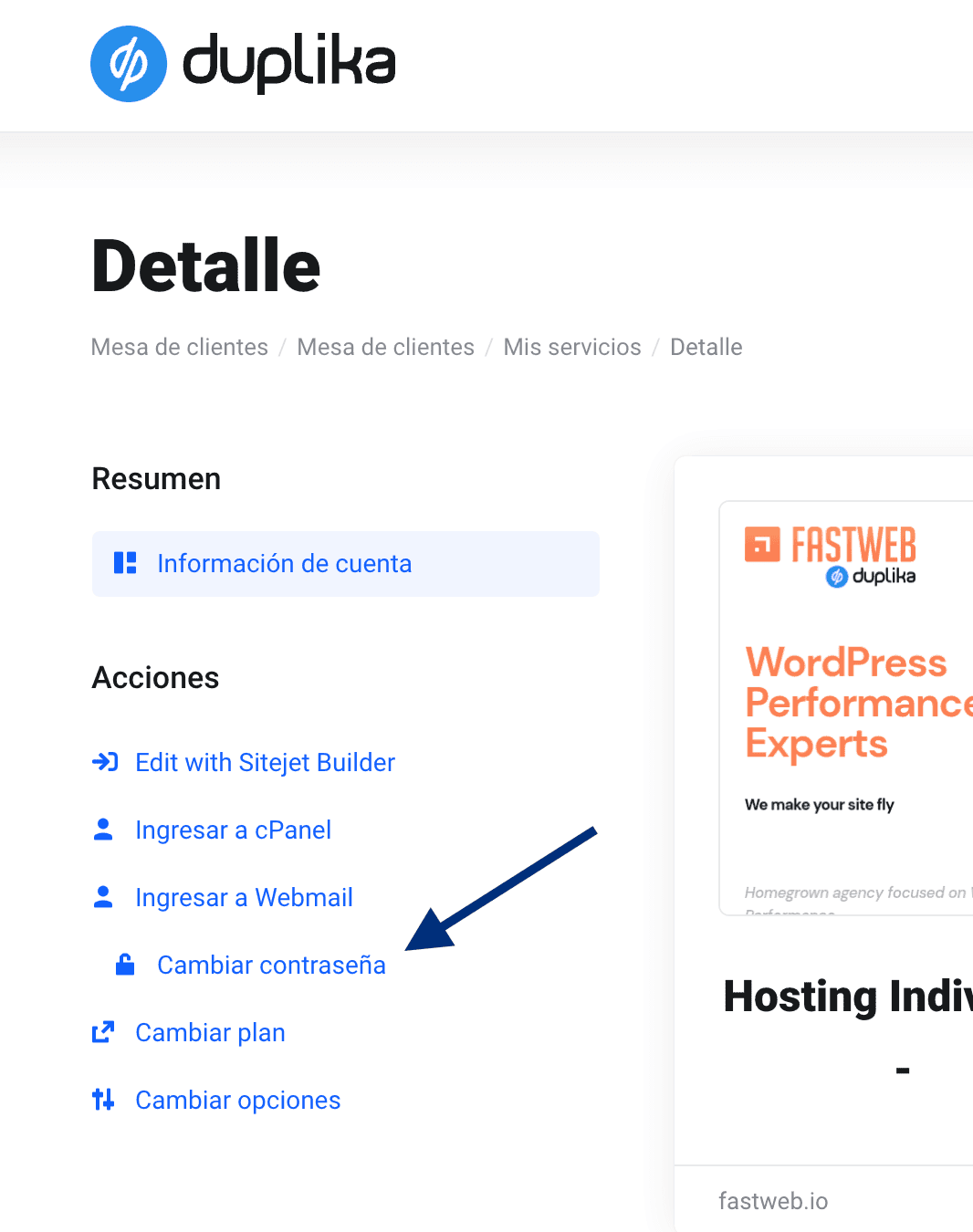
Haga clic en Cambiar contraseña en el menú lateral.
Tras hacer clic en el link correspondiente, veremos la siguiente pantalla, en donde podremos cambiar la contraseña a gusto o bien generar una aleatoria de alta dificultad (alfanumérica con caracteres especiales) mediante el botón correspondiente.
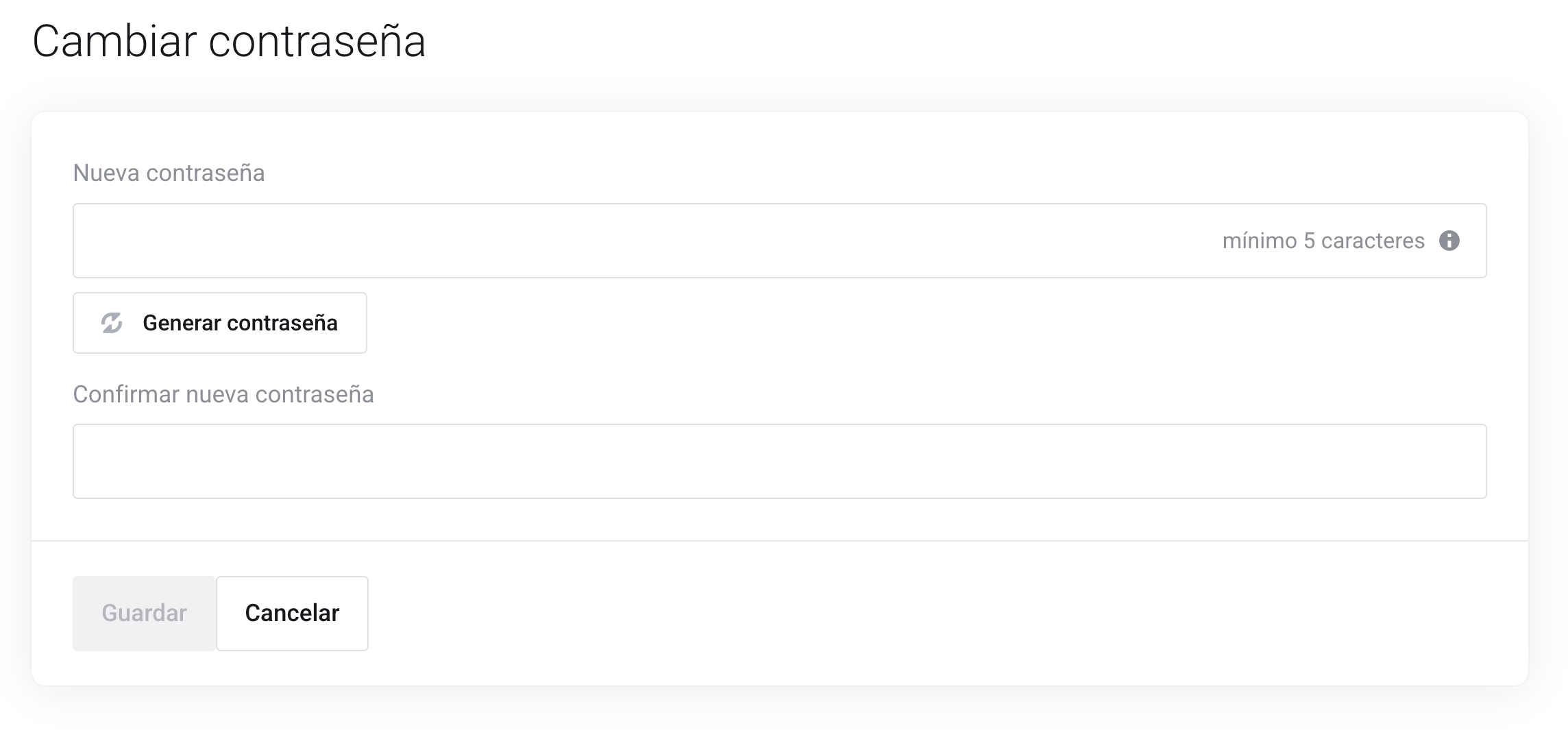
Tras reescribir la contraseña en el campo "confirmar nueva contraseña" y presionar el botón de Guardar, habremos completado la operación.