

Change Hosting Plan
Updated 9 months ago
Below, we outline the steps to change your hosting plan, whether you want to upgrade or downgrade it.
Go to My Services in the client area and select the service you want to modify.
Select Change Plan from the menu on the left.
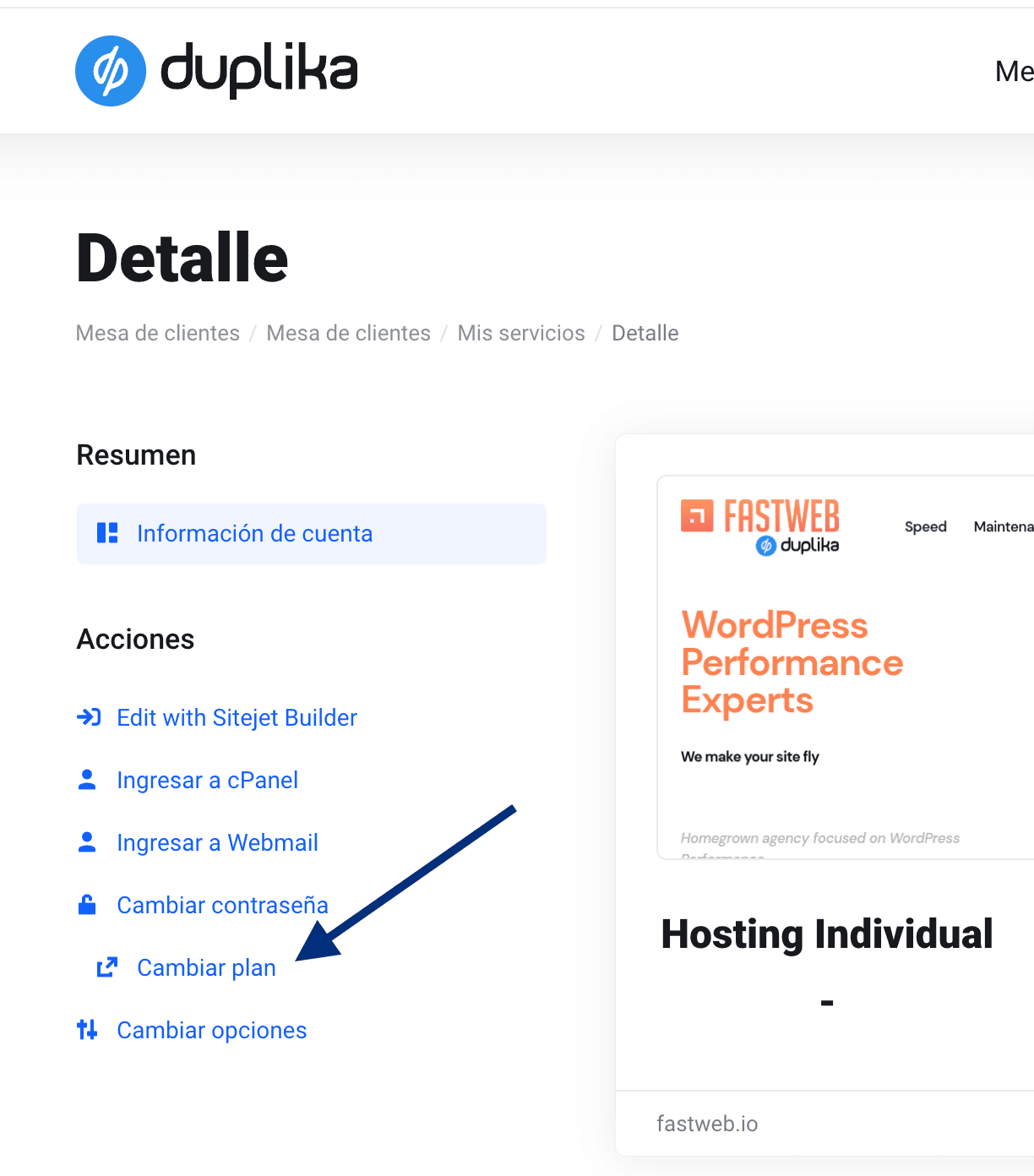
Select the new plan you want to switch to.
The system will automatically calculate the difference, taking into account the unused period of your current plan and its billing frequency.
Upgrading or downgrading your plan does not incur any additional fees, beyond the price differences between our hosting plans.
Was this helpful?
Was this helpful?