

Tips if you notice slow access
Updated 3 months ago
If you notice that your site is loading slowly, below are some tips to consider when analyzing the situation. Note: every case is different.
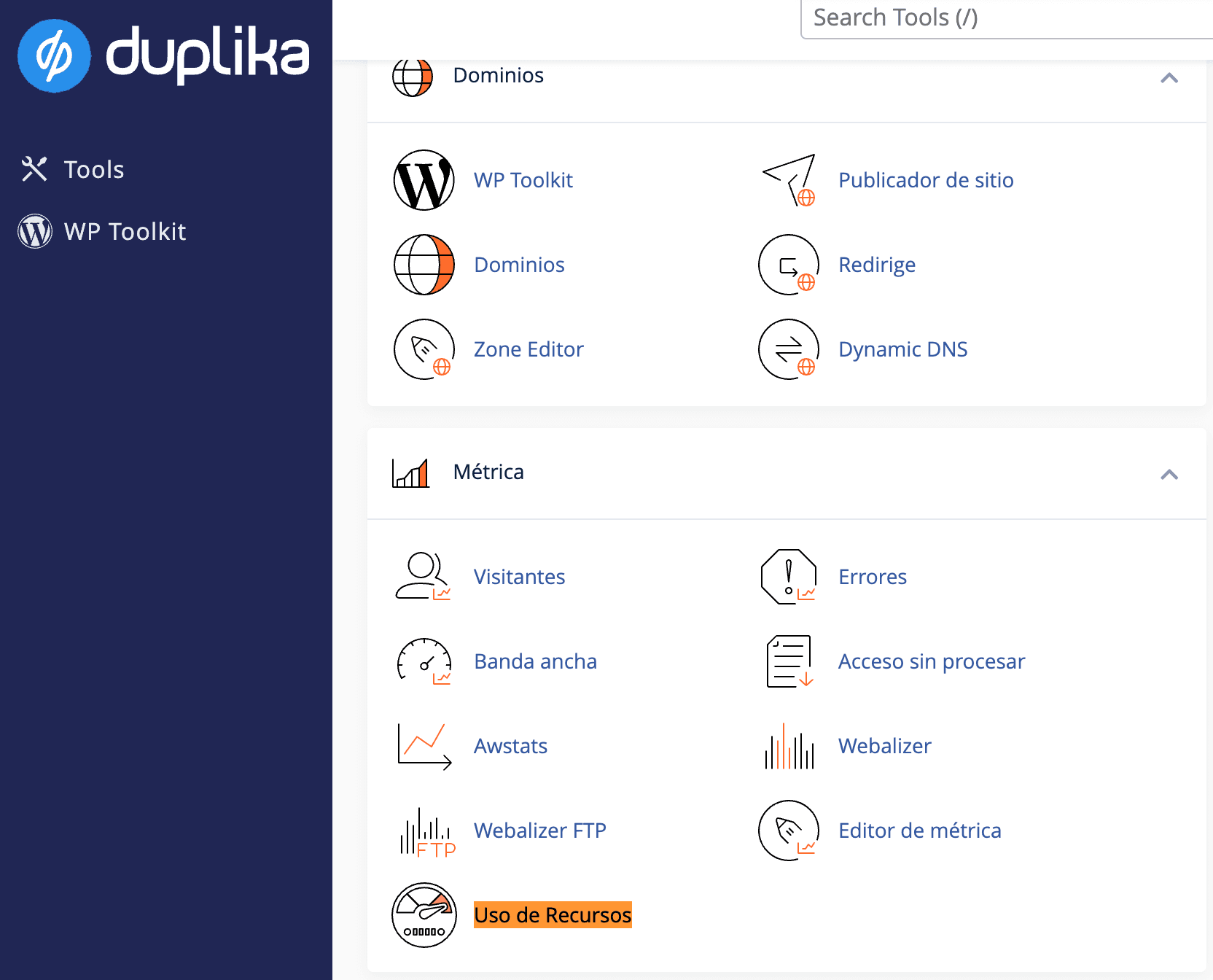
At the hosting level, if the resources in your hosting plan are limiting access speed, you’ll notice it in your cPanel under Resource Usage.
To access your cPanel, use the following address:

Remember to replace "mysite.com" with your domain’s actual URL
You can monitor your resource usage here:
If you’ve ruled out your hosting plan as the bottleneck, the next step is to analyze your application.
If you use WordPress, we recommend keeping your site, plugins, and themes fully up to date. Also, make sure you always have a caching plugin enabled, such as LiteSpeed Cache.
If you’ve already implemented these measures, the next step is to analyze your site’s size and the plugins you use.
GTMetrix will help you determine your site’s size and give you some tips on how to improve performance.
PageSpeed Insights by Google is also a great resource to take advantage of.