

Compartir acceso a Google Search Console
Actualizado hace 2 meses
Compartir el acceso a tu cuenta de Google Search Console es necesario en ciertos escenarios; típicamente, cuando contratamos a terceros para que se encarguen del marketing digital de nuestra web, o bien si incorporamos a otros miembros en el equipo.
Es posible permitir el acceso a un tercero de forma segura y práctica sin la necesidad de compartir —comprometer— nuestra propia credencial de acceso. A continuación se detallan los pasos.
¿Cómo agregar un usuario a nuestro Google Search Console?
Primero nos dirigimos a nuestra cuenta vía https://search.google.com/search-console/ y escribimos nuestras credenciales para loguearnos.
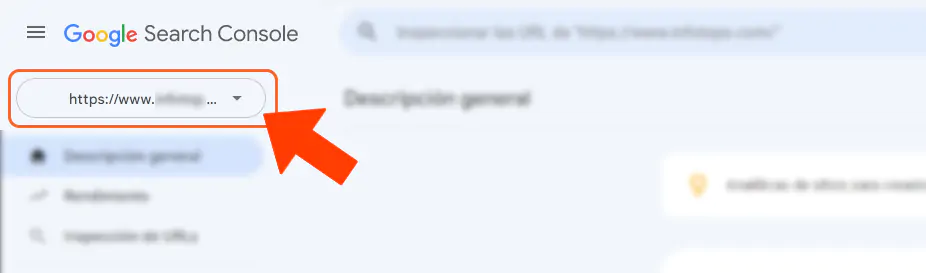
A continuación, seleccionaremos la "propiedad" (o sea, sitio web) al que pretendemos administrar.
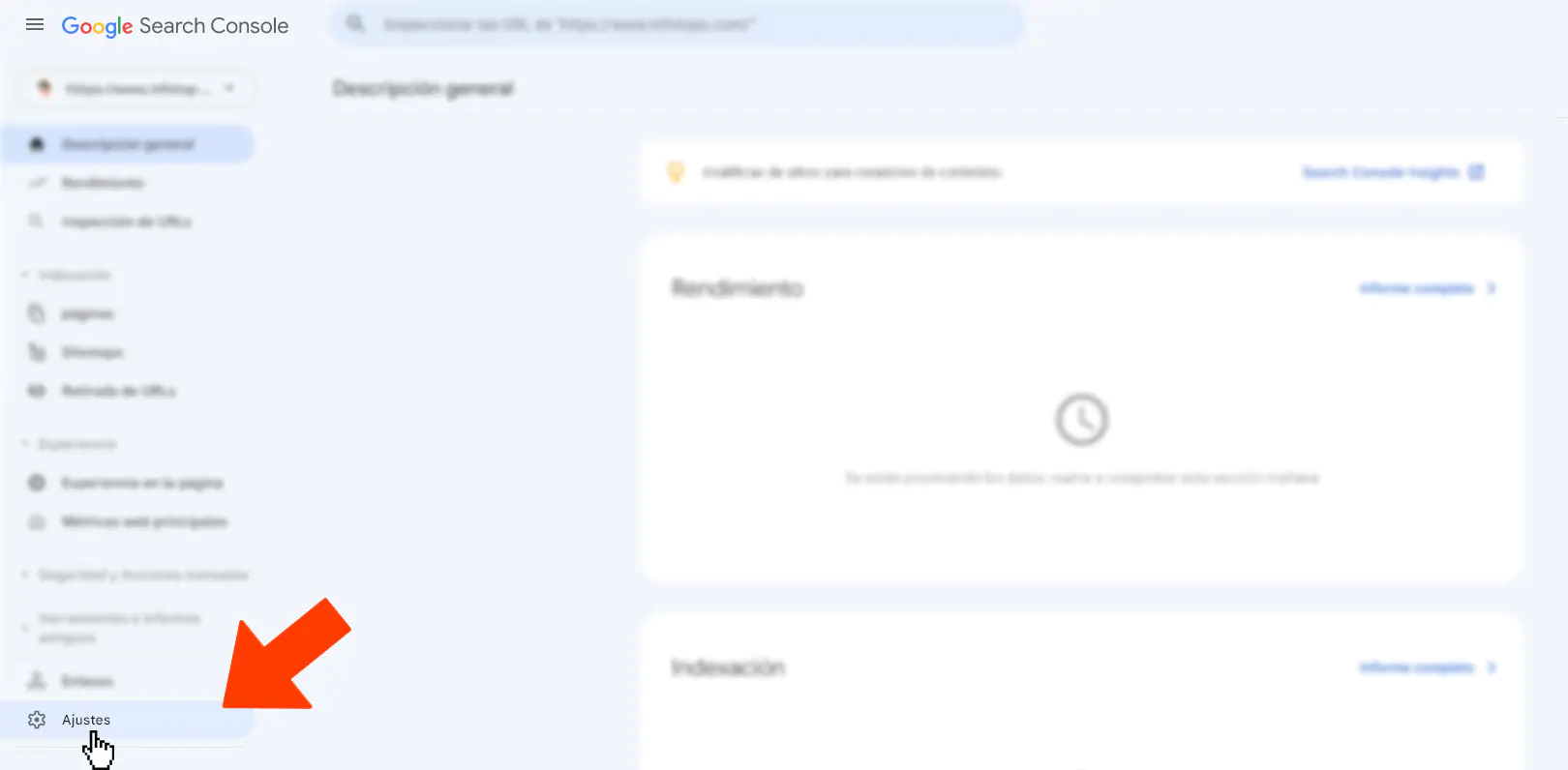
Luego debemos hacer un clic sobre el enlace de Ajustes.
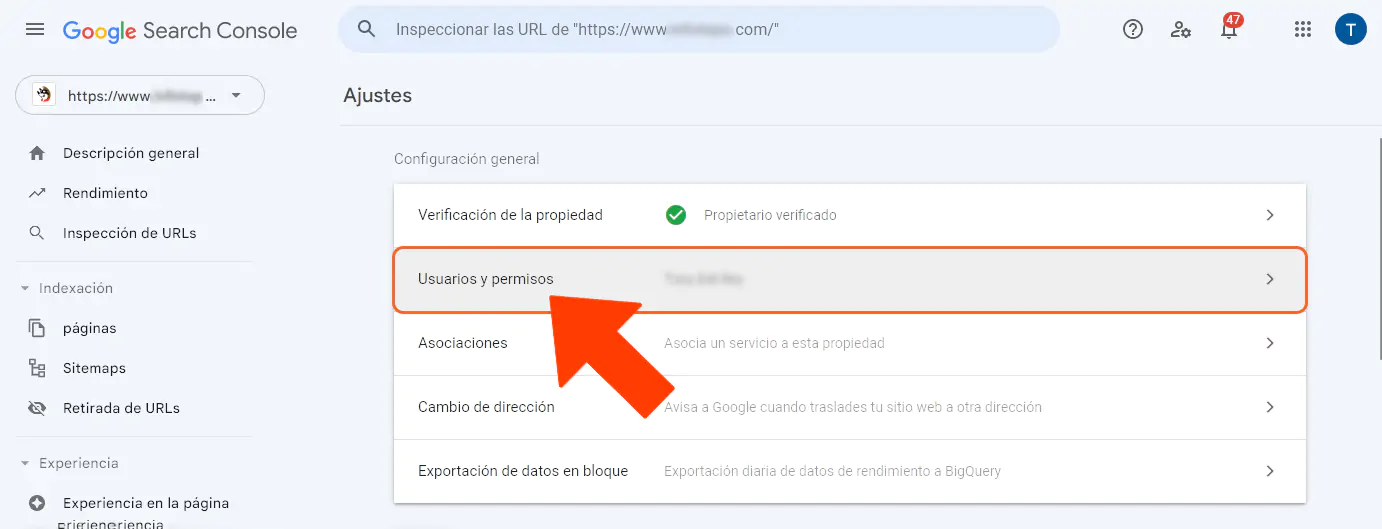
En la página que se abre debemos elegir la opción "Usuarios y permisos".
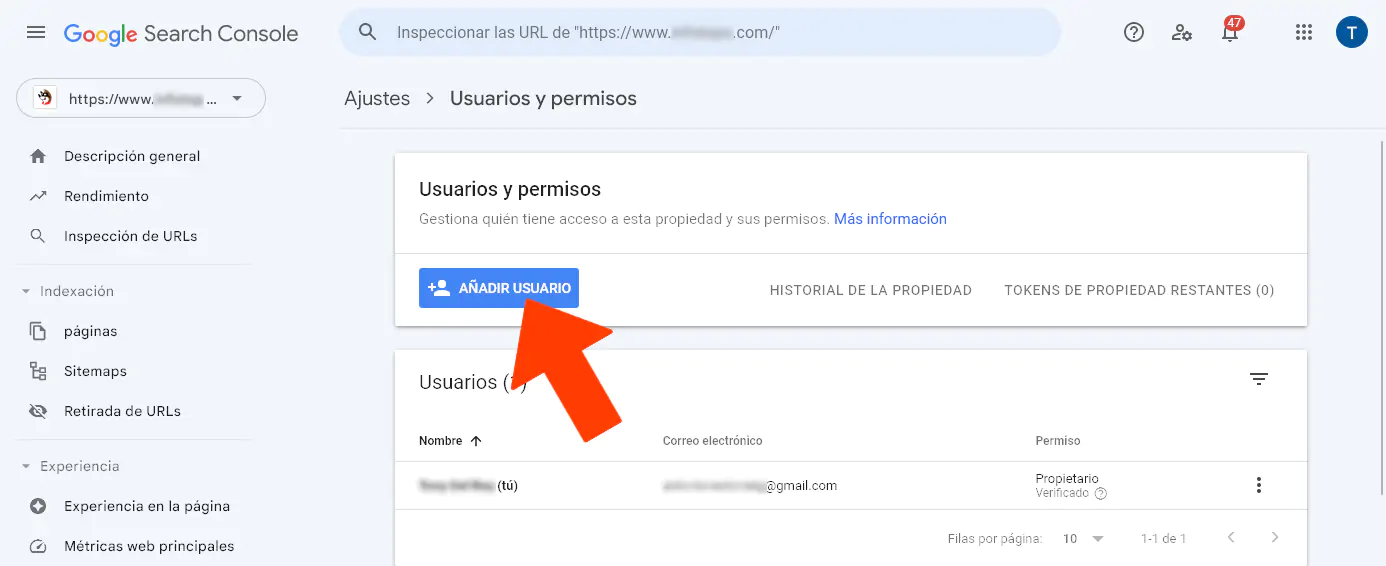
Y luego haremos clic sobre el botón azul para añadir usuarios.
Añadimos el correo electrónico de la persona que pretendemos agregar y elegimos el nivel de permiso: acceso total o acceso restringido.
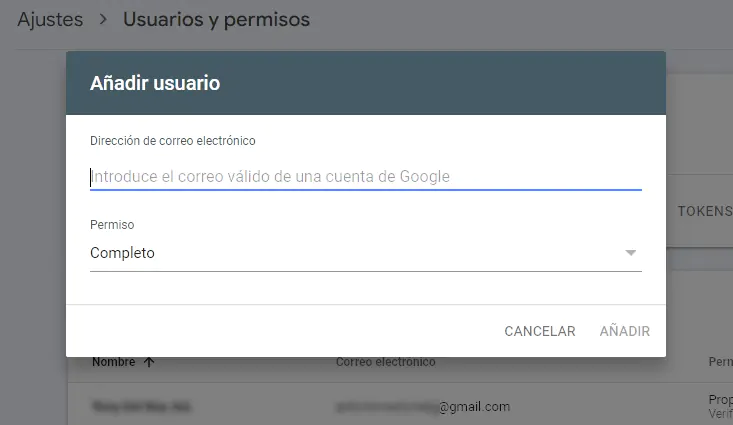
Por último, guardamos los cambios. ¡Listo! Tras este último paso hemos completado el proceso exitosamente.