

Consejos en caso de que notes lentitud en el acceso
Actualizado hace 3 meses
Si notas que tu sitio carga de forma lenta, a continuación detallamos los consejos a tener en cuenta para analizar la situación. Nota: cada caso es particular.
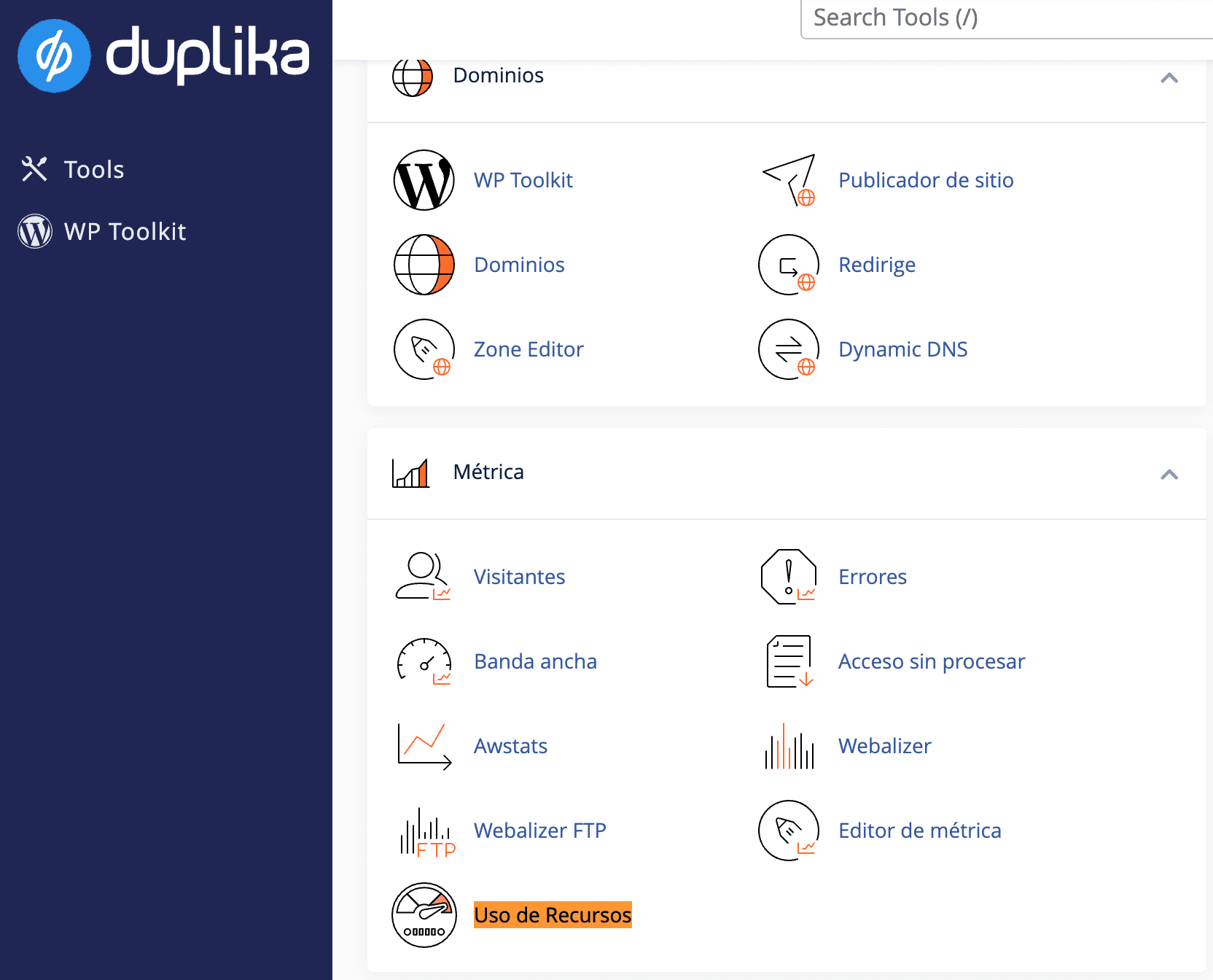
A nivel hosting, si los recursos de tu plan contratado están limitando la velocidad de acceso, lo notarás desde tu cPanel, Uso de Recursos.
Para ingresar a tu cPanel, utiliza la siguiente dirección:

Recuerda reemplazar "misitio.com" por la URL real de tu dominio
A continuación podrás monitorear los recursos aquí:
Si has descartado que tu plan de hosting sea el cuello de botella, a continuación debes analizar tu aplicación.
Si se trata de WordPress, sugerimos tener tu sitio, plugins y plantillas actualizadas al 100%. Paralelamente, siempre aprovecha un plugin de cache activo, como LiteSpeed Cache.
En caso de ya tener estas medidas implementadas, lo siguiente sería analizar el peso de tu sitio y los plugins que utilizas.
GTMetrix te ayudará a determinar el peso de tu sitio, además de darte algunos consejos de como mejorar el rendimiento.
PageSpeed Insights de Google también es un muy buen recurso para aprovechar.