

How to Get a New Password for Your Hosting Account
Updated 8 months ago
If you don't remember your hosting account password, you can change it to a new one from the client area: https://mi.duplika.com/
Once logged in, click Services > My Services to access the list of your hosting accounts. Then:
Select the account whose password you want to change.
Click Change Password in the sidebar menu.
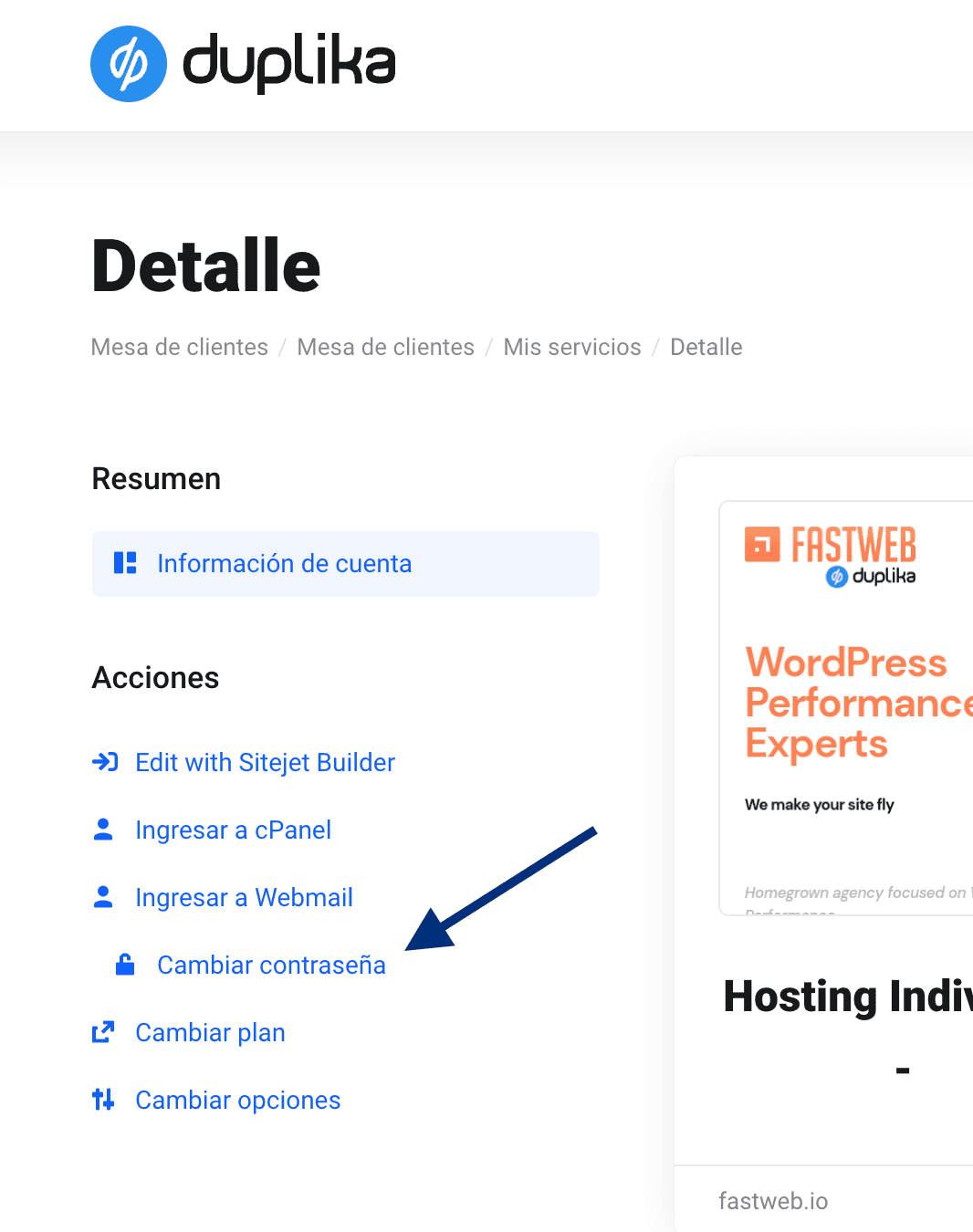
After clicking the corresponding link, the following screen will appear, where you can change the password as desired or generate a highly secure random password (alphanumeric with special characters) using the corresponding button.
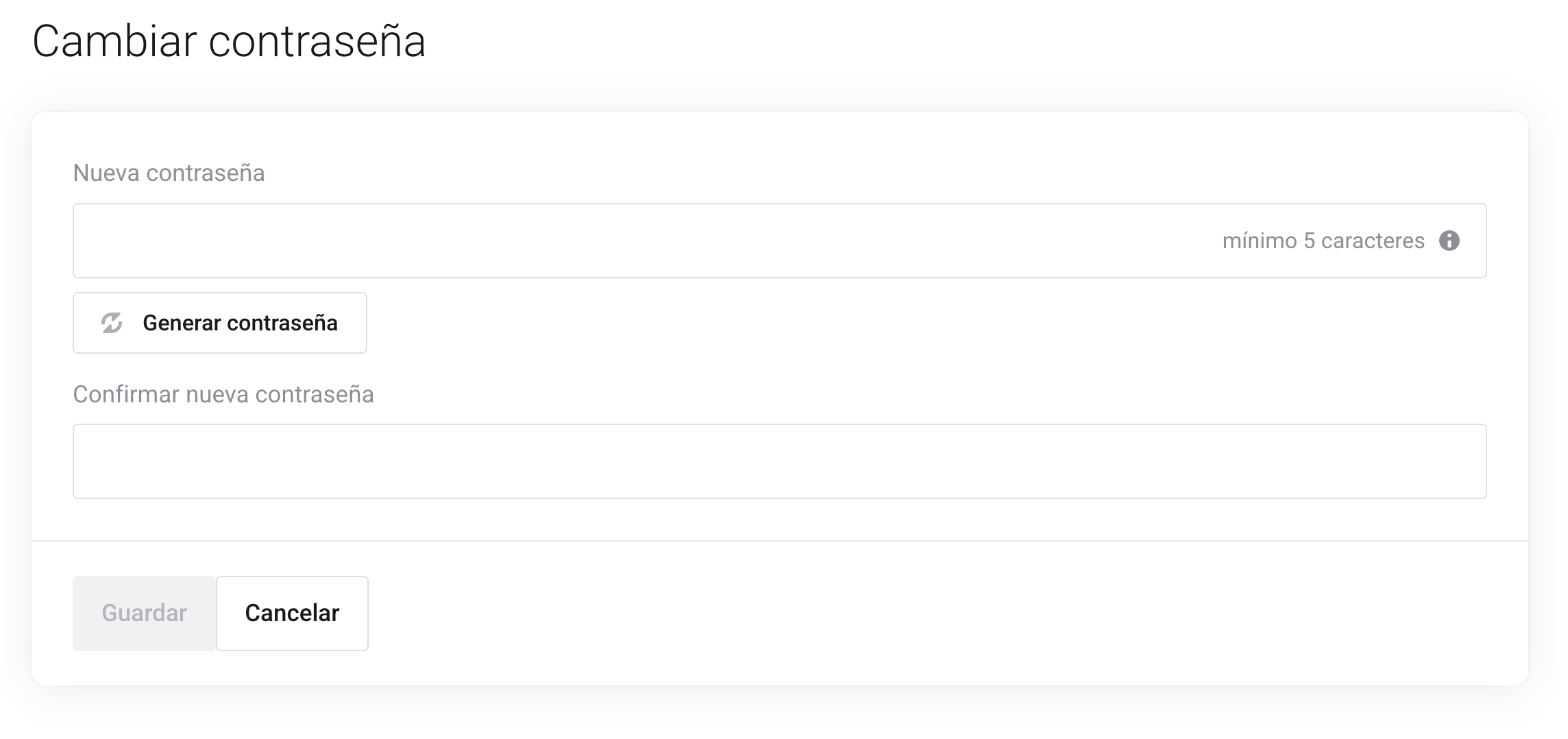
After re-entering the password in the "confirm new password" field and clicking Save, the operation is complete.
Was this helpful?
Was this helpful?