

Como ingresar al panel de control cPanel
Actualizado hace 2 semanas
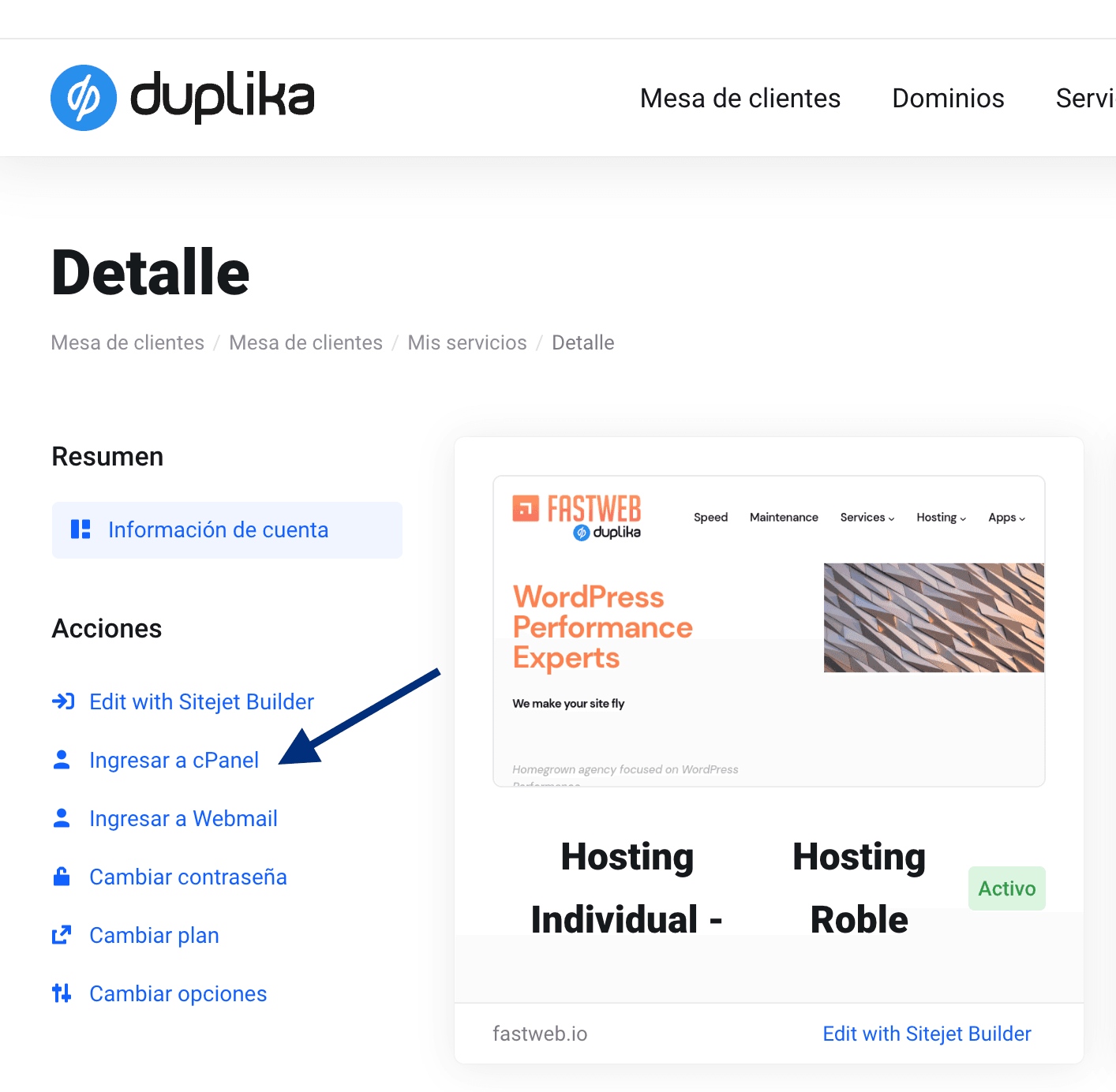
Para acceder al panel de control de tu plan de hosting, ingresa en la mesa de clientes y visita tu listado de servicios.
Desde allí haz clic en la cuenta deseada, y luego en el botón Ingresar a cPanel.
Ingreso directo a cPanel
También puedes acceder a tu cPanel directamente desde tu navegador ingresando cpanel.misitio.com.

Por ejemplo, si tu dominio es hola.com.ar, podrías acceder a tu panel de control desde cpanel.hola.com.ar.
En el email de alta enviado cuando activaste tu servicio encontrarás tu usuario y contraseña para ingresar.
Si olvidaste tus datos de acceso, puedes reiniciar tu contraseña siguiendo estos pasos, o bien contactarnos para que te los enviemos nuevamente.
¿Primera vez en el panel? La Guía de inicio de cPanel recorre la interfaz completa, con capturas, y presenta la nueva interfaz Meridian.