

Tips in Case of a Hack
Updated 2 months ago
There are various methods hackers use to gain access to your site, whether to send spam or create pages with ads, but the most common are:
Having WordPress, plugins, or themes out of date. Many plugins or templates, especially unlicensed ones, are not updated, and this makes them vulnerable to already resolved security issues. That is why we always recommend keeping everything 100% up to date.
An admin user or an easy-to-guess password. Brute-force attacks try to constantly log in to your site, using different passwords, thousands of times in an automated way until they guess it.
If you detect any security issue on our site, and if we cannot access our site, we recommend:
Change the login password for your control panel and your client area. Consider enabling 2-step verification as well.
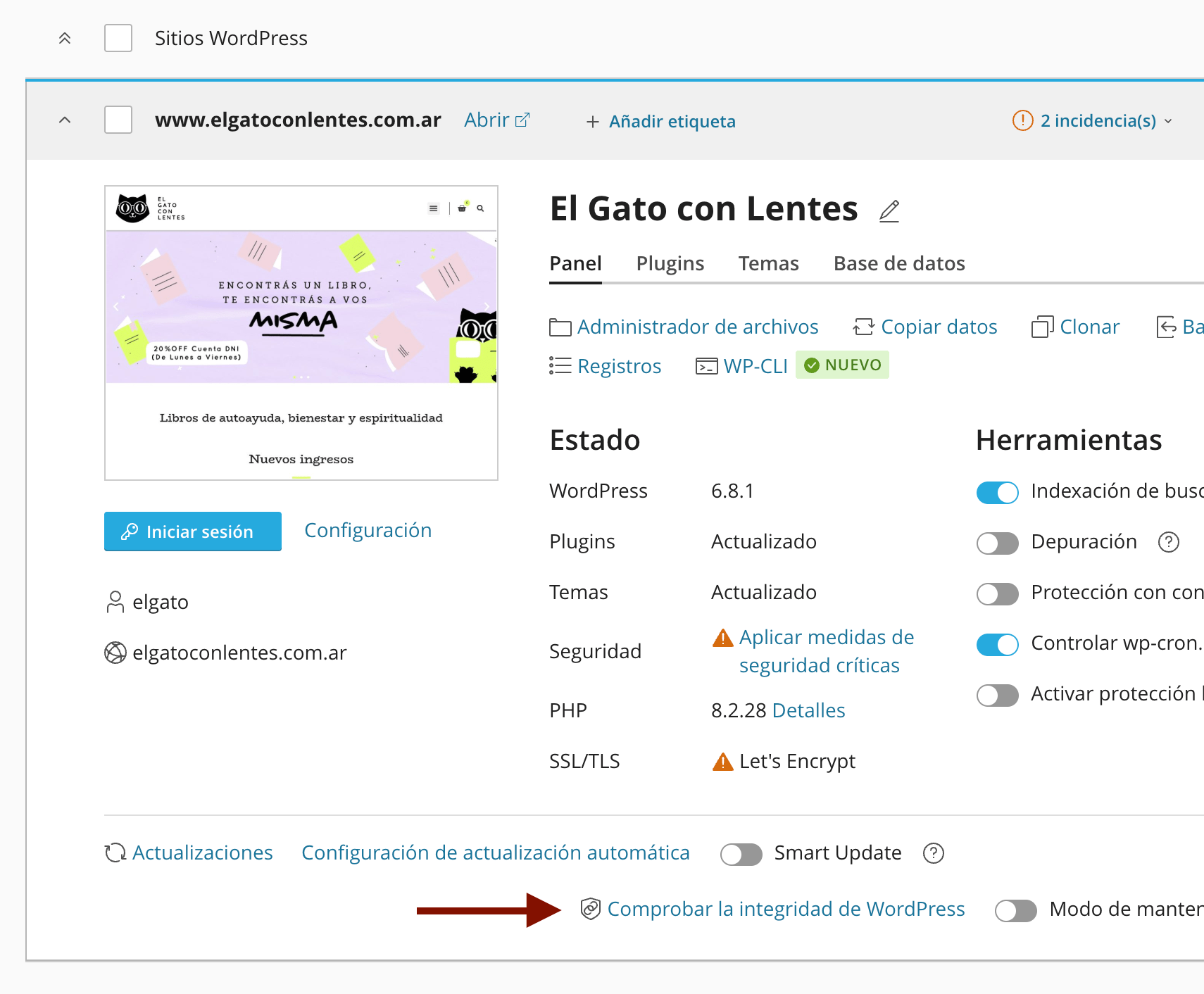
Log in to your control panel and reinstall the default WordPress files from WordPress Management, Check WordPress Integrity, and then click on "Reinstall WordPress core".
Try to access your site in the traditional way, or log in via Softaculous.
Make sure WordPress, plugins, and templates are 100% up to date.
Remove any unlicensed plugin or template (these 2 things are the main causes of security issues)
Check the list of administrator users and reset the login details
Install and configure the free version of Wordfence
Perform a full scan of our site, removing all files that do not belong to WordPress,
Disable any plugin that Wordfence detects as abandoned, unsupported, or without updates.
Finally, via Wordfence we can increase the security of our site’s administrator logins by using two-factor authentication with an authentication app such as Google Authenticator or Authy, as explained in the guide to enabling 2-step verification.
If Google has indexed a different version of our site, we should add it to Google Search Console to identify any issue, resolve it, and let Google know so it can restore the correct version of our site.