

Fixing the Free Shipping Calculation Error in WooCommerce
Updated last month
WooCommerce has a bug that can cause issues if the store is configured to use the LATAM number format, with a period as the thousands separator and no decimal places in the store.
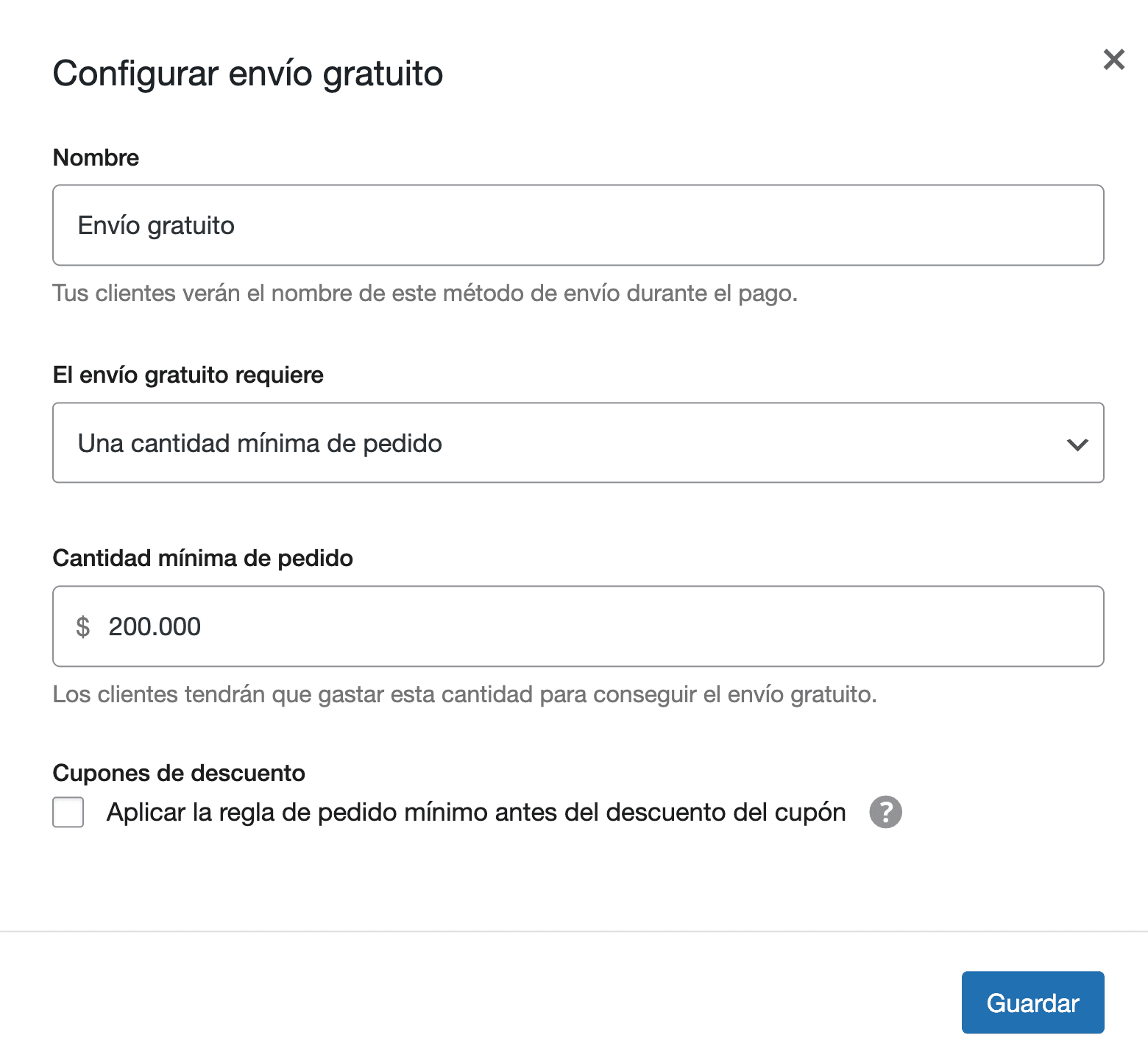
For example, if we want to enable free shipping when the order exceeds $200,000, we can configure it in WooCommerce, Settings, under the Shipping tab.
The problem is that if we save the value 200,000, with the period as the thousands separator, WooCommerce will incorrectly offer free shipping for orders of $200.
While the WooCommerce team works on fixing the bug, to avoid it, we can enter 200000 (without the period that separates thousands), and click Save. Although the period will be added again when saving, the correct value will be configured, and free shipping will only be available for orders over $200,000.