Imunify Security in WordPress
Updated 3 weeks ago
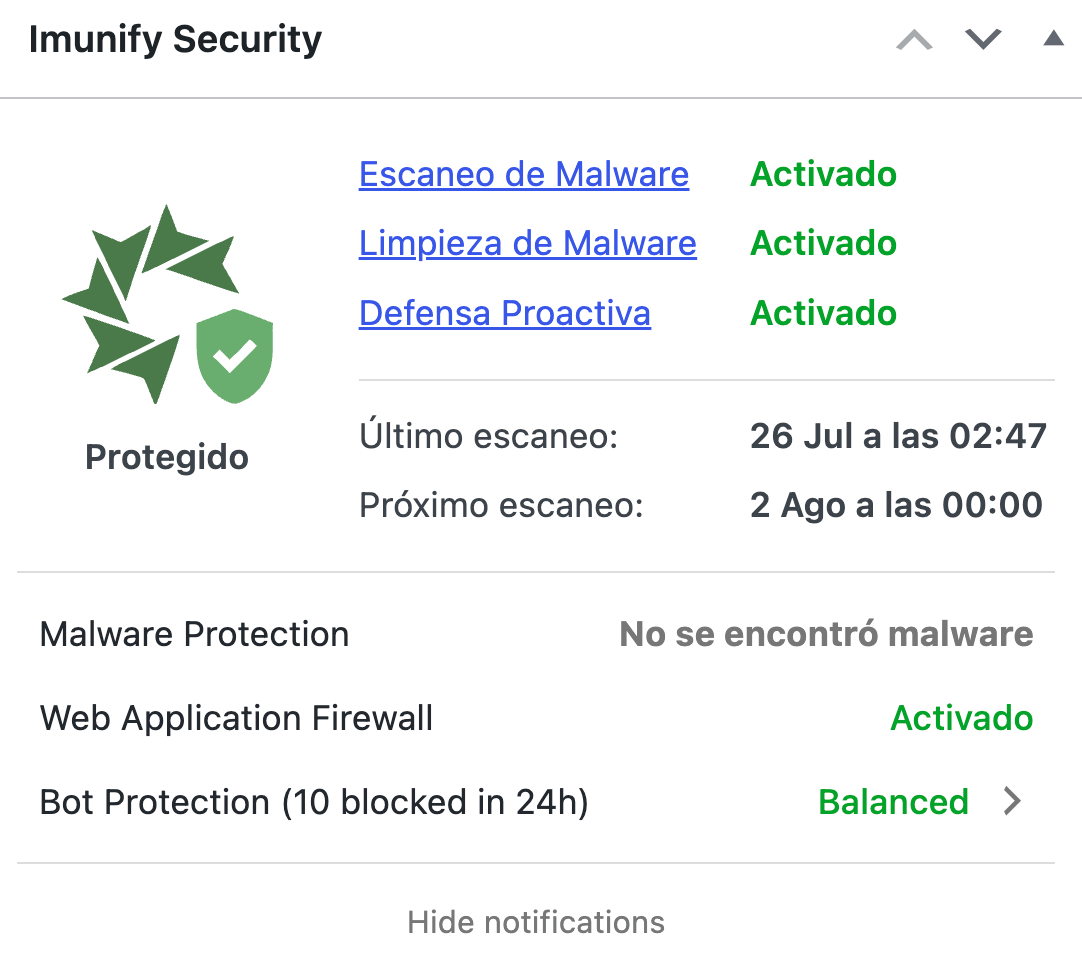
Our security plugin lets you view threats, blocks, and bot optimizations in real time. It is connected to the server firewall, displaying continuous malware analysis and results for your WordPress installation, providing effective security for your application.
The plugin is lightweight and lets you check your site's security status and take action if a vulnerability is detected. All processes run at the server level, without affecting performance or consuming resources from your hosting plan.
The new features added to the plugin are:
Detect which plugins and themes are being used
Our WAF will apply virtual patches with rules specified for each plugin or theme
Block attempts to exploit known vulnerabilities, even if the plugin has not yet been updated
Specifically displays which blocks are being carried out, directly in your WordPress dashboard
If you already have another security plugin and/or want to disable Imunify Security, you can disable and remove it whenever you like without compromising your site's security.
Error Rate Limit Exceeded
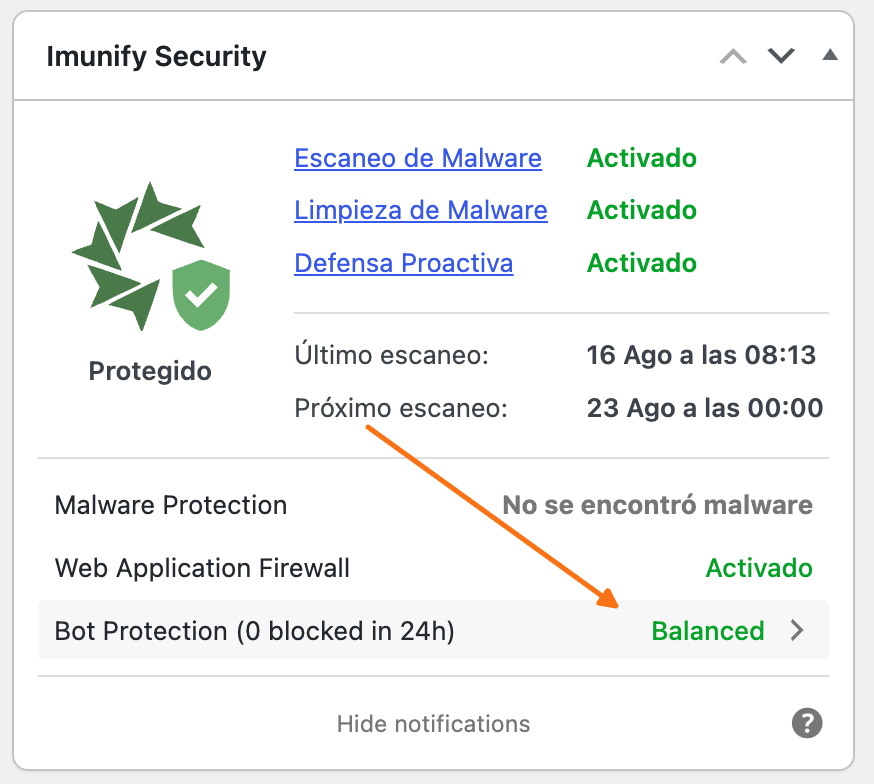
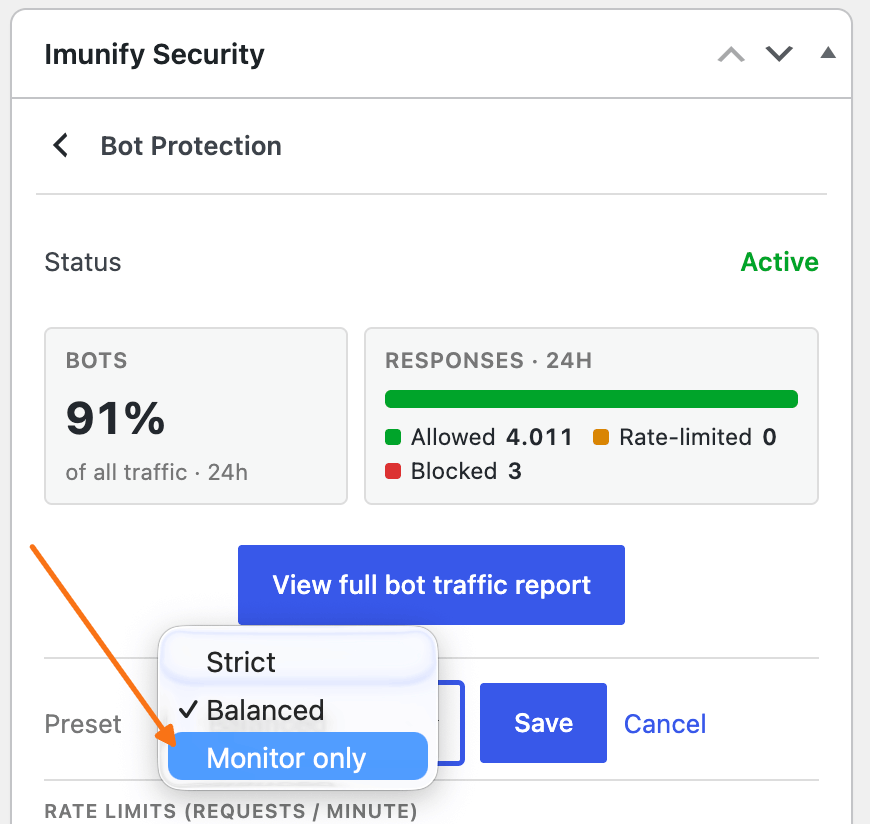
If you receive the Rate Limit Exceeded error, you can disable the protection while keeping the plugin active by changing the mode to Monitoring only: